What are common signs of computer failure? (And what Geelong locals should do about them)
Your computer is essential—whether it’s a laptop for study in Geelong CBD, a desktop for a small business in Belmont, or a MacBook for design work near the Waterfront. Spotting early warning signs of failure can save you time, money and most importantly — your data. Below are the most common red flags, what they often mean, simple checks you can run at home, and when to bring your device to a local Geelong technician.
Search Your Problem
1. The computer is painfully slow
If your PC or laptop takes forever to start, apps stutter, or file copies crawl, that’s often an early sign of failing hardware (aging hard drive or insufficient RAM), malware, or a cluttered operating system. Try:
- Restarting and checking Task Manager (Windows) or Activity Monitor (macOS) for processes using lots of CPU or memory.
- Checking disk space — if your main drive is nearly full, performance drops.
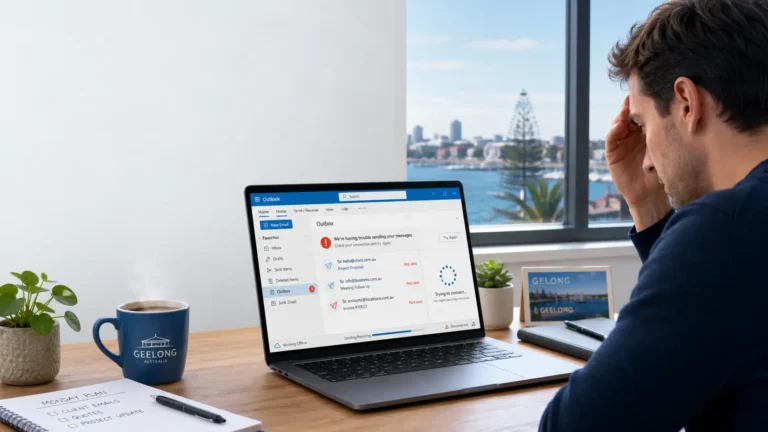
- If the problem persists after these checks, it’s worth a professional diagnostic — especially if you rely on the machine daily. Local Geelong services commonly offer same-day diagnostics and performance tuneups.
2. Strange noises (clicking, grinding, whirring)
Clicking or grinding sounds from a desktop or laptop are frequently caused by a failing hard disk drive (HDD) or a failing cooling fan. A clicking HDD can indicate imminent data loss — stop using the machine and seek professional data recovery advice. Technicians in Geelong can usually offer secure data recovery and explain repair vs replacement options.
3. Frequent crashes, blue screens or kernel panics
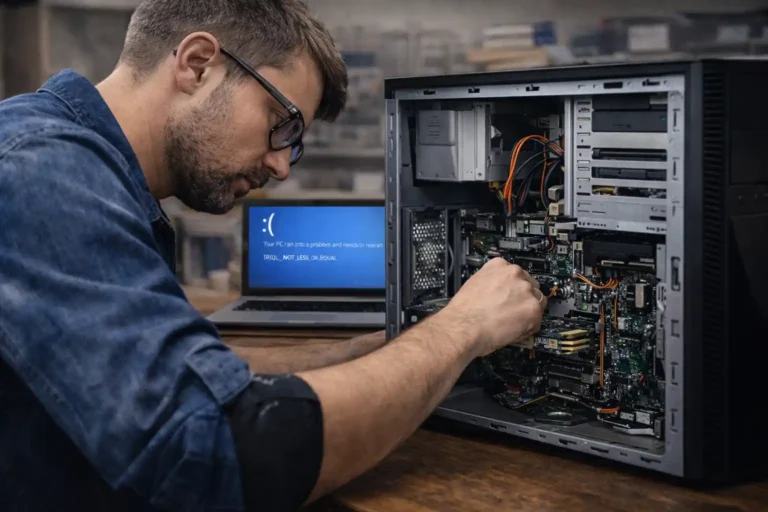
Regular system crashes, the Windows “Blue Screen of Death,” or macOS kernel panics usually point to hardware faults (memory, power supply, motherboard) or corrupted system files. Note the error code or message if possible — it helps technicians diagnose the cause faster. If crashes happen during specific tasks (gaming, video editing), it’s often a thermal or GPU-related issue. Local repair shops provide swap-and-test diagnostics to isolate the faulty component.
4. Overheating and sudden shutdowns
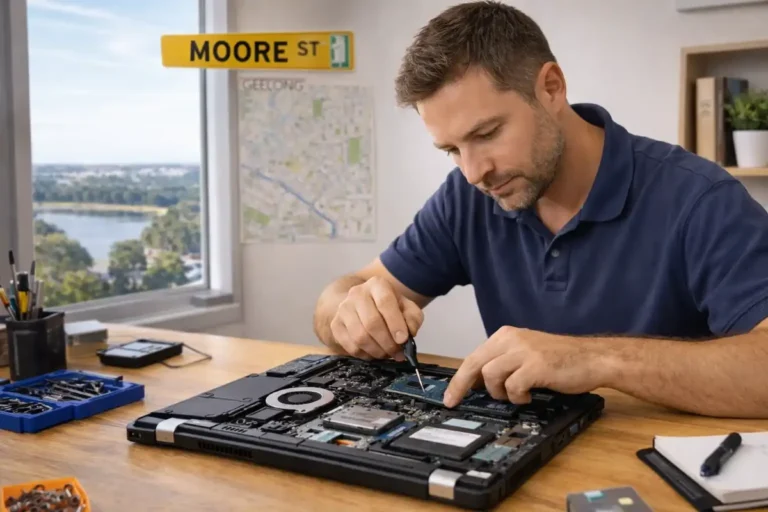
If your device becomes hot to touch or shuts down randomly, poor cooling (dust clogged fans, dried thermal paste) or failing fans are likely. Overheating shortens component life. Simple steps: make sure vents are clear and run on a hard surface (not a bed). For deeper fixes (cleaning, replacing fans, thermal re-application), book service with a Geelong repair tech.
5. Failure to boot / stuck on manufacturer logo
A computer that won’t get past the manufacturer’s splash screen or keeps rebooting may have corrupted boot files, a failed drive, or motherboard/firmware problems. Some software boot problems can be fixed with recovery tools, but hardware-related failures usually need a technician’s bench diagnostics.
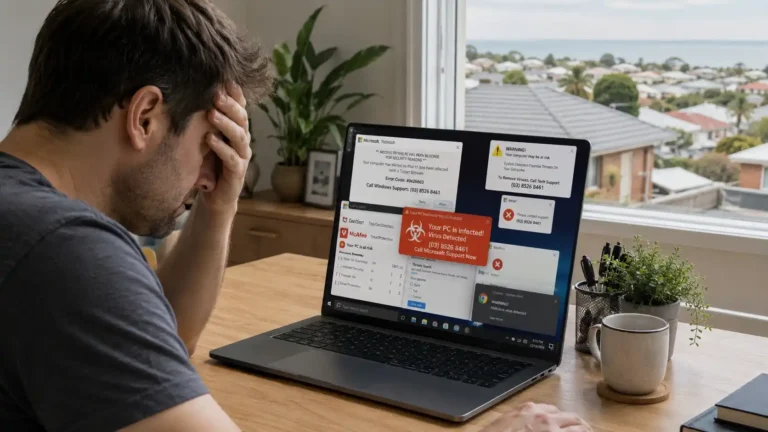
6. Repeated pop-ups, redirected browsers or odd behaviour
If your browser is hijacked, pages redirect, or you see frequent adverts even when offline, you may have adware or more serious malware. Run a reputable anti-malware scanner and, if issues continue, have a professional remove persistent infections and secure your accounts. Many Geelong repair shops offer malware removal and follow-up protection advice.
7. Battery won’t hold charge or device won’t power on
Laptop battery issues (rapid discharge, battery not detected) are common in older machines. If your laptop won’t power on at all, try a different charger or test the charger with a multimeter if you have one. Otherwise, a local repairer can test the battery and charging circuit — and often replace the battery on the spot.
8. USB / audio ports, keyboard or trackpad stop working
Port failure or unresponsive input devices often point to physical damage, liquid spills, or motherboard faults. Before booking a repair: try safe-mode (to rule out software conflict) and try external USB hubs or Bluetooth devices. If hardware is at fault, experienced technicians in Geelong can replace ports or repair board-level damage.
9. Visual artefacts, flickering screen, or black screen
Graphics glitches, artifacts or sudden loss of display can be GPU or cable/screen failures on laptops. For desktop PCs, re-seating the GPU or testing on a different monitor helps narrow the fault. Geelong Mac and PC specialists offer screen replacement and GPU diagnostics.
10. Data corruption or sudden missing files
If files open with errors, partition(s) disappear, or you can’t access folders you know exist, your drive may be failing or the file system corrupted. Avoid writing new data to the drive (risking permanent loss) and contact a data recovery technician. Many local Geelong services advertise data recovery and secure handling.
Quick checklist: what you should do right now
- Back up critical files (to external drive or cloud) if the system is still accessible.
- Note when and how often the fault occurs and any error messages.
- Try one simple test at a time (safe mode, disk check, alternate peripherals).
- If you suspect hardware failure (clicking drive, burning smell, repeated crashes), stop regular use and book diagnostics — you might save your data and avoid costlier repairs.
Why choose a local Geelong repair shop?
Geelong repairers offer same-day onsite support, mobile visits and specialist Mac/Windows services — convenient if you live in suburbs such as Newtown, Belmont, Highton or on the Bellarine. Local technicians also understand common regional needs: home-office setups, small business networks, and student laptops for Deakin University. (Examples of one of the best local providers include Computer repair mate).
Need help in Geelong? Contact Computer Repair Mate
If you’re seeing any of the signs above, book a diagnostic with Computer Repair Mate — we’re based in Whittington and serve Geelong & surrounding suburbs. We offer same-day repairs, “no fix, no fee” diagnostics, data recovery advice, and clear pricing.
Phone: 0468 825 366
Address: 20 Freedom Ct, Whittington VIC 3219.
Book online: Computer Repair Mate offers easy online booking and local pickup/onsite options. (computerrepairmate.com.au)