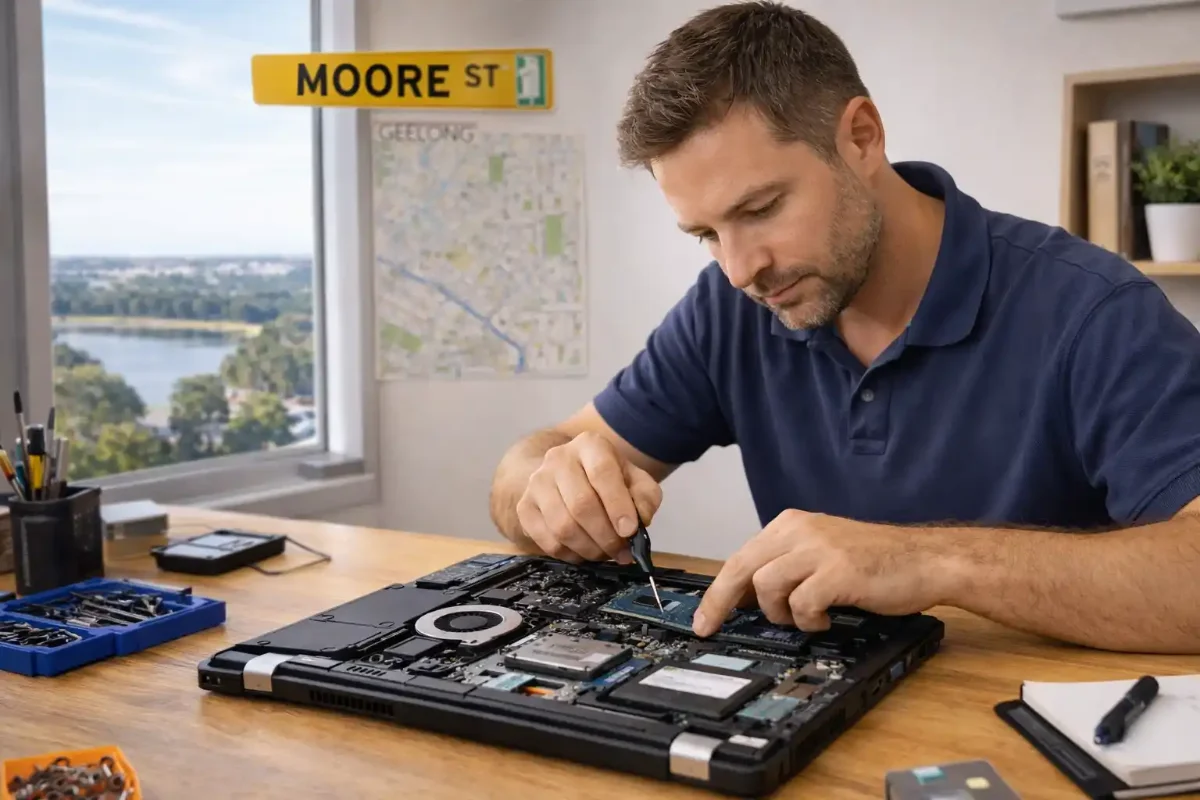
Laptop Running Slow in Geelong? How to Speed Up Your PC Without Losing Files
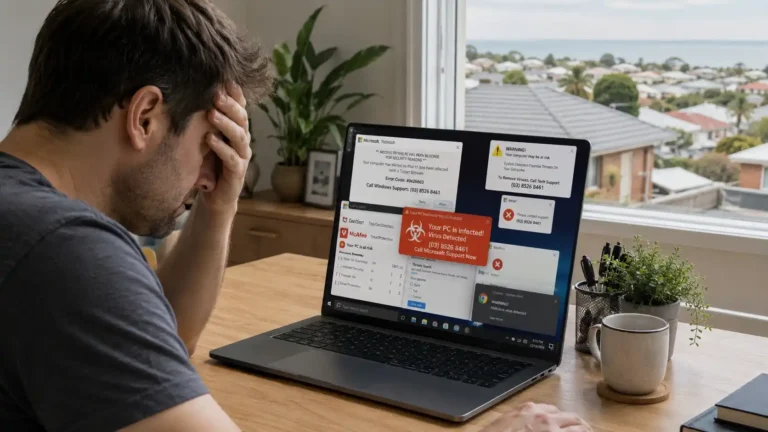
If your laptop feels slow, freezes often, or takes too long to start, you are not alone.
Every week, people from Belmont, Highton, Grovedale, Newtown, and Waurn Ponds contact local technicians with the same concern. Their computer used to be fast. Now it struggles with simple tasks.
Students near Deakin University Waurn Ponds complain about slow laptops during assignments. Small businesses around Pakington Street notice delays during meetings. Home users near High Street Belmont feel frustrated when their system takes minutes to load.
Most people assume their laptop is too old.
In reality, most slow computers in Geelong can be fixed without deleting files, reinstalling Windows, or buying new devices. Professional laptop repair services can restore performance safely.
The key is understanding what is slowing your system down. We can help you in fixing your slow computers! Some times computers/laptops slow downs after Windows updates
Search Your Problem
Why Do Laptops Become Slow Over Time?
A Windows computer does not suddenly become slow overnight.
Performance drops gradually.Files accumulate. Programs install quietly. Updates run in the background. Temporary data builds up.Without maintenance, these small issues grow into major problems.After working on hundreds of laptops across Geelong, we see the same patterns again and again.
The most common reasons are:
- Low free disk space
- Too many startup programs
- Limited RAM
- Malware and unwanted software
- Outdated Windows updates
- Old or broken drivers
When these problems combine, even a good laptop feels unusable.
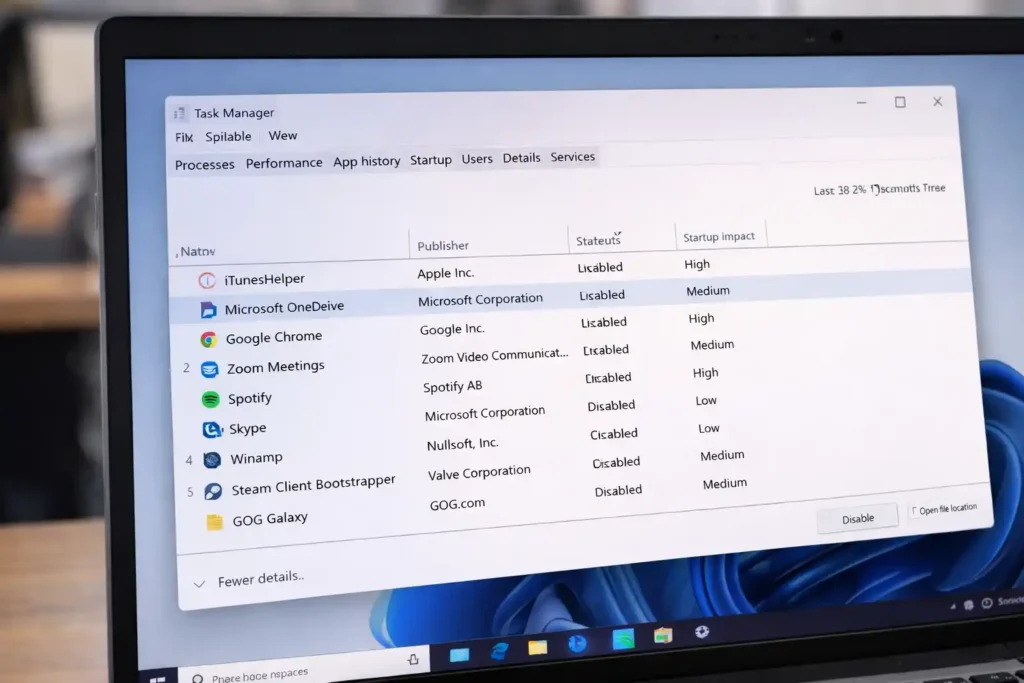
Table: Why Your Laptop Is Slow and How to Fix It
| Problem | Main Cause | Impact | Recommended Solution |
| Slow startup | Too many startup apps | Long boot time | Disable unnecessary programs |
| Lagging system | Low RAM | Freezing and crashes | Upgrade memory |
| Full storage | Junk files | Poor performance | Disk cleanup |
| Malware | Unsafe downloads | High CPU usage | Malware scan |
| Outdated drivers | No updates | Errors | Update drivers |
How Low Disk Space Slows Down Your PC
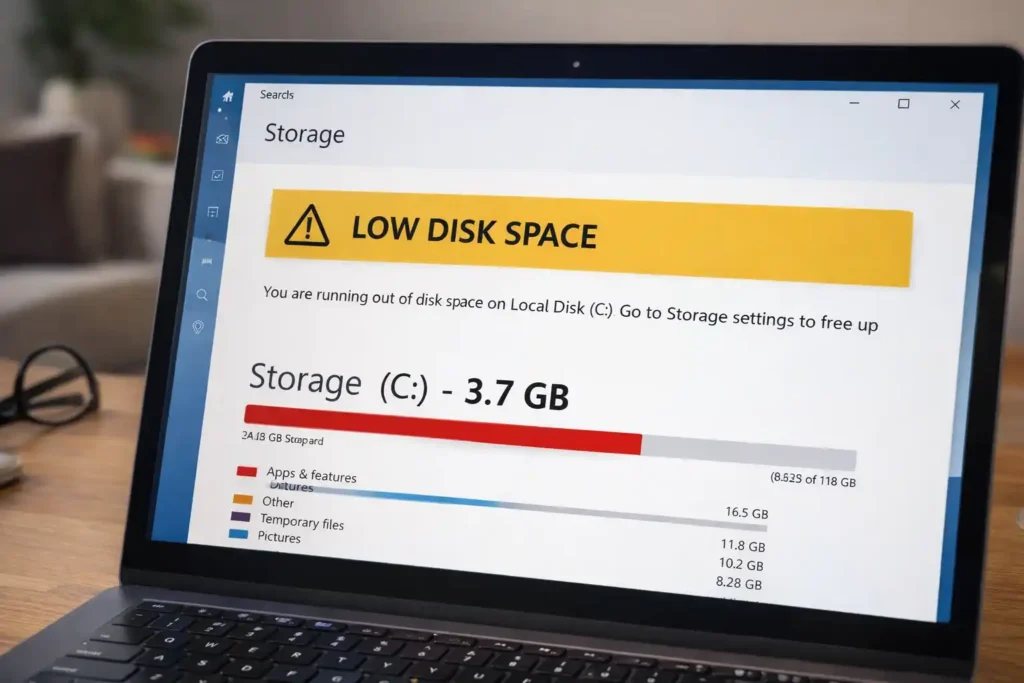
Windows needs free storage space to operate properly.It uses this space for system files, updates, memory caching, and background processes. When storage becomes full, Windows struggles to manage these tasks.Many students near Deakin Waurn Ponds fill their drives with videos, lecture recordings, and downloads. Office users around Geelong CBD store years of documents without cleanup.When free space drops below 15 to 20 percent, performance drops sharply.
You may notice:
- Programs opening slowly
- Files freezing
- Failed updates
- Random crashes
Cleaning junk files and removing old data restores system breathing room.
For detailed guidance on fixing low disk space errors, refer to Microsoft’s official support guide.
Why Startup Programs Reduce Speed
Many applications install background services automatically.These programs start with Windows, even if you never use them.Cloud storage tools, update managers, messaging apps, and media launchers all run silently.Over time, dozens of apps compete for memory.This problem is very common in home offices around Newtown and Belmont.
It leads to:
- Slow boot time
- Delayed login
- System lag after startup
- Higher battery drain
Managing startup programs improves speed immediately.
How Low RAM Creates System Lag
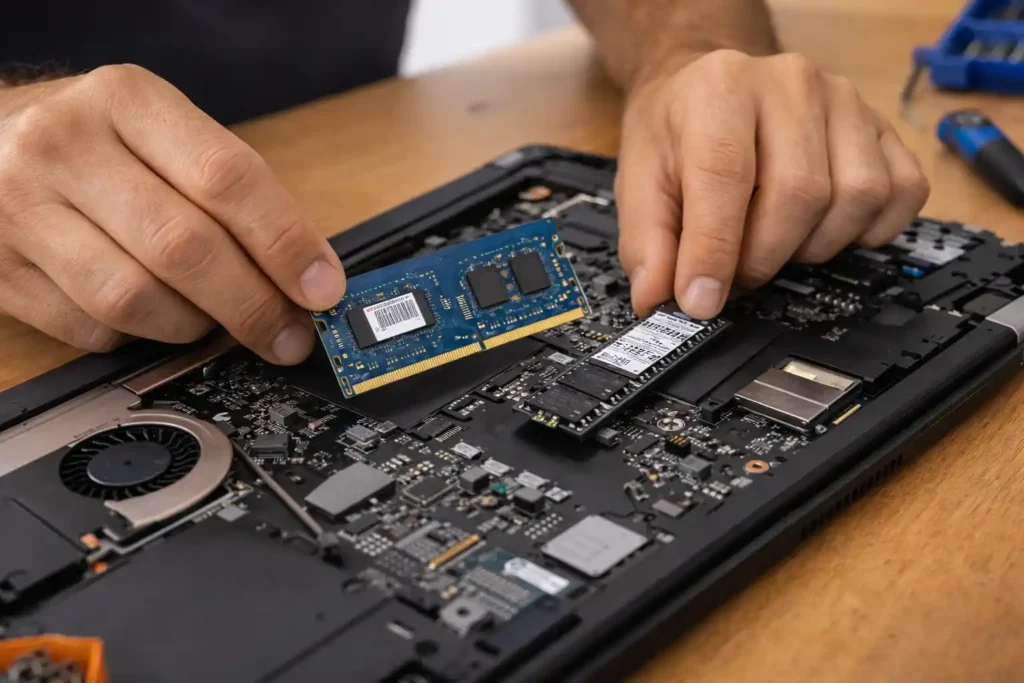
Modern software is memory-hungry.Web browsers use gigabytes of RAM. Video meetings consume more. Office tools run background services.When RAM is insufficient, Windows uses your hard drive as backup memory. This process is slow.
As a result, you experience:
- Frequent freezing
- Slow app switching
- System crashes
- Long loading times
Upgrading RAM often doubles real-world performance.
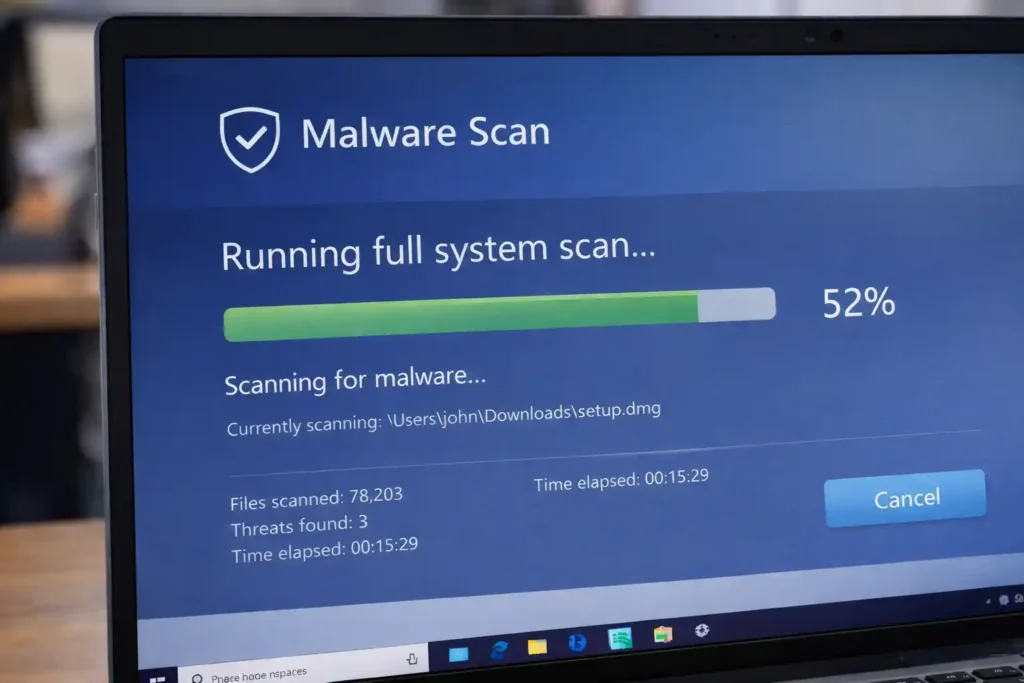
When Malware Is the Hidden Problem
Not all slowdowns come from normal use.Some come from unwanted software.Many free downloads include adware, trackers, and background miners. These programs consume CPU and internet bandwidth.We often find this issue in systems from Grovedale and Highton users who installed “free PC cleaners” online.
Common signs include:
- High CPU usage
- Browser redirects
- Pop-up ads
- Unknown processes
A professional malware scan restores stability.If you need expert help with malware removal, our laptop repair services in Geelong can diagnose and fix these issues safely.
The Impact of Outdated Windows and Drivers
Windows updates are essential for performance.They fix bugs, improve security, and optimize hardware usage.Ignoring updates leads to instability.Drivers are equally important. Old Wi-Fi, graphics, and chipset drivers reduce speed.
Problems caused by outdated software include:
- System crashes
- Slow internet
- Display glitches
- App failures
Keeping Windows and drivers updated improves reliability.
How to Speed Up Your Laptop Without Losing Files
The good news is that most slow laptops can be optimized safely.Your photos, documents, and work files remain untouched.No factory reset is required.The focus is cleanup and optimization.
Cleaning Junk Files Safely
Every Windows PC collects temporary files.These include update leftovers, cache data, and error reports.They waste storage space.Using Disk Cleanup or Storage Sense removes them safely.
This process:
- Frees disk space
- Improves update performance
- Reduces system errors
- Speeds up file access
No personal files are deleted.
Managing Startup Programs Properly
Task Manager shows all startup apps.Most users are shocked by what they see.Apps they installed years ago still run every day.Disabling unnecessary items reduces memory load.
Benefits include:
- Faster boot time
- Lower CPU usage
- Better battery life
- Smoother startup
Only essential programs should remain enabled.
Optimizing Storage Drives
Hard drives become fragmented over time.Files scatter across sectors.This slows access.Windows includes built-in optimization tools.
Benefits include:
- Faster file loading
- Improved boot speed
- Better system response
- Reduced wear
SSDs should be optimized, not defragmented.
Repairing File and Registry Errors
Software installs and uninstalls leave traces.Broken links and invalid entries accumulate.These slow system processes.Professional PC optimization software repairs these issues safely.
This leads to:
- Faster software launches
- Reduced crashes
- Improved stability
- Cleaner system structure
Manual registry editing is not recommended.
Optimizing Windows for Best Performance
Windows includes visual effects.Animations, shadows, and transparency look nice. They also use system resources.On older laptops, these effects reduce responsivenessAdjusting Windows for performance improves speed.
You gain:
- Faster window opening
- Reduced lag
- Better multitasking
- Improved stability
The system feels lighter.
Real Case Study: Belmont Home Office Laptop
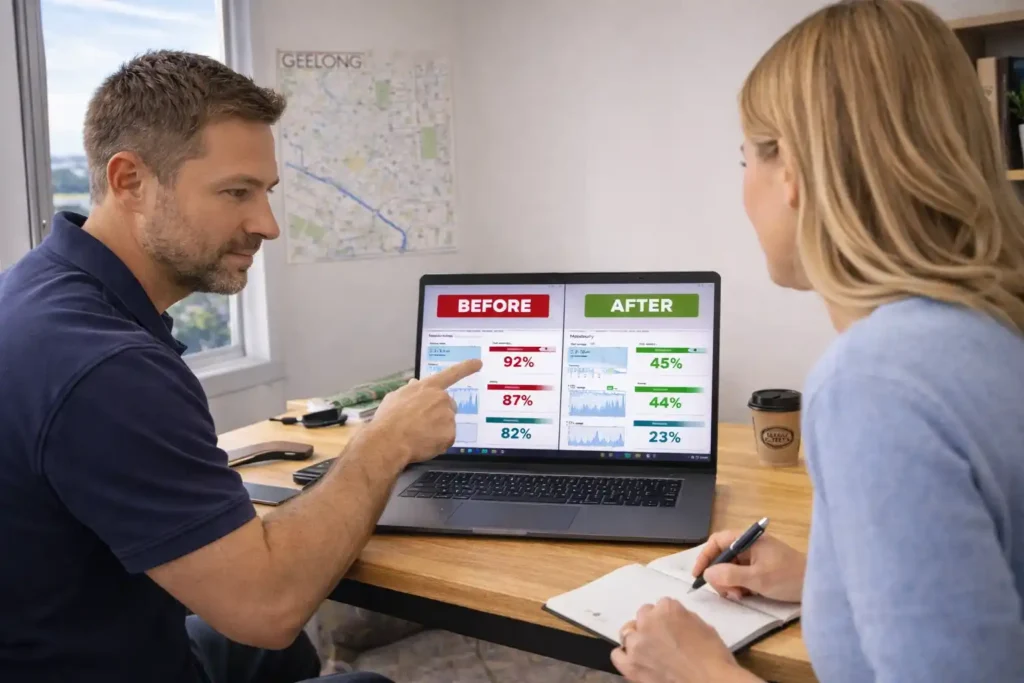
A small business owner near High Street Belmont contacted us about a slow laptop.Startup time was five minutes. Excel froze constantly. Zoom calls crashed.
Diagnosis showed:
- 92% disk usage
- 18 startup apps
- Outdated drivers
- Hidden adware
After cleanup, optimization, and updates, boot time dropped to 35 seconds.Performance improved by over 60%.No files were lost.
Testimonials From Local Geelong Clients
“My laptop was unusable. Now it runs like new. All my files are safe.”
Sarah, Waurn Ponds
“Fast service and honest advice. No upselling.”
Mark, Highton
“They fixed my slow PC in one day.”
Liam, Belmont
Awards and Professional Recognition
Our technicians follow industry standards for PC maintenance and security.We use Microsoft-recommended tools and certified antivirus systems.
We regularly train on:
- Windows diagnostics
- Malware removal
- Data protection
- System optimization
This ensures safe service. You can avail our System Optimization / OS Installation and Virus removal services.
Important Facts and Figures
Studies show that:
- Low disk space reduces performance by up to 35%
- Excess startup apps increase boot time by 40%
- SSD upgrades improve speed by 3x to 5x
- Malware causes 25% of consumer slowdowns
(Source: Microsoft Support, AV-Test, Statista)
Preventing Your Laptop From Slowing Down Again
Once optimized, maintenance is essential.Simple habits keep systems fast.
You should:
- Clean junk files monthly
- Review startup apps quarterly
- Install updates regularly
- Monitor storage levels
- Use trusted software only
These steps prevent future issues.
FAQs
When to Seek Professional Help in Geelong
If your laptop remains slow after basic optimization, professional diagnostics help.Our home IT support in Geelong provides comprehensive computer maintenance and repair services.
Local technicians can:
- Test hardware health
- Check thermal performance
- Scan advanced malware
- Upgrade components
- Secure your data
This saves time and money.
IY Optimization vs Expert Repair
| Task | DIY User | Professional Technician |
| Junk cleanup | Basic tools | Advanced tools |
| Malware removal | Limited | Deep scan |
| Driver updates | Manual | Automated |
| Hardware testing | Not available | Full diagnostics |
| Data protection | Risky | Guaranteed |
Final Thoughts: Restore Speed Without Stress
A slow laptop does not mean failure.In most cases, it means neglect.With proper cleanup, optimization, and updates, your PC can feel new again.
No data loss.
No reinstall.
No unnecessary upgrades.
If you live in Geelong, Belmont, Highton, Grovedale, or Waurn Ponds, local support is available to help you restore performance safely.