Locked Out of Your Windows or Mac? Safe Password Recovery Options in Geelong
Password Recovery in Geelong
Getting locked out of your computer can feel stressful fast. One wrong password attempt can stop you from accessing work files, family photos, banking details, or business systems.
Many people across Geelong face this problem after a Windows update, forgotten password, malware attack, BitLocker prompt, FileVault issue, or Apple ID verification problem.
We help Geelong residents with safe recovery for:
- Windows password recovery
- MacBook password reset issues
- Microsoft account login problems
- Apple ID and FileVault recovery
- BitLocker recovery key issues
- data protection before reset
Whether you live near Pakington Street, Belmont, Waurn Ponds, Highton, Newtown, or the Surf Coast Highway area, local technicians can often restore access without wiping your files.
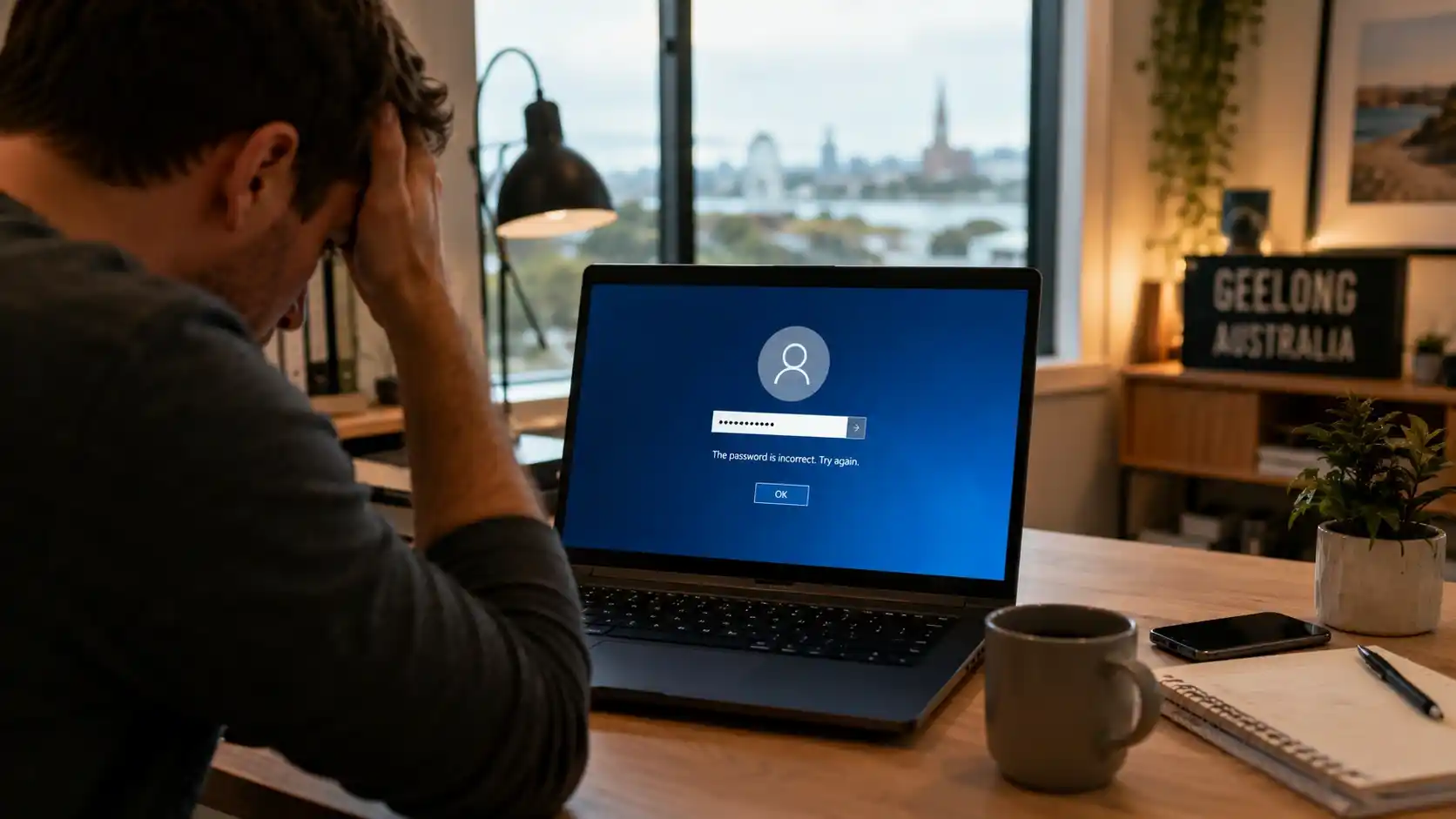
Why People Get Locked Out of Windows & Mac Computers
Most computer lockouts happen for simple reasons. Others involve security systems designed to protect your private files.
Forgotten Passwords
This remains the most common cause of lockouts. Many users change passwords but forget to update saved logins across devices.
Windows laptops may keep old credentials, while Macs can fail to sync correctly after Apple ID changes or iCloud verification problems.
Microsoft Account Login Problems
Modern Windows devices connect closely with Microsoft accounts. A password reset on another device may create sync delays or login verification problems.
In many cases, official Microsoft account recovery can restore access safely when recovery email, mobile verification, or two-factor authentication is available.
Apple ID Verification Issues
MacBooks sometimes request Apple ID verification after macOS updates, security checks, failed login attempts, or iCloud sync errors.
This issue appears frequently for users around Newtown, Belmont, Highton, and nearby Geelong suburbs after upgrading macOS.
Malware or Unauthorized Access
Some malware strains, phishing attacks, and ransomware incidents can interfere with normal login access or encrypt files entirely.
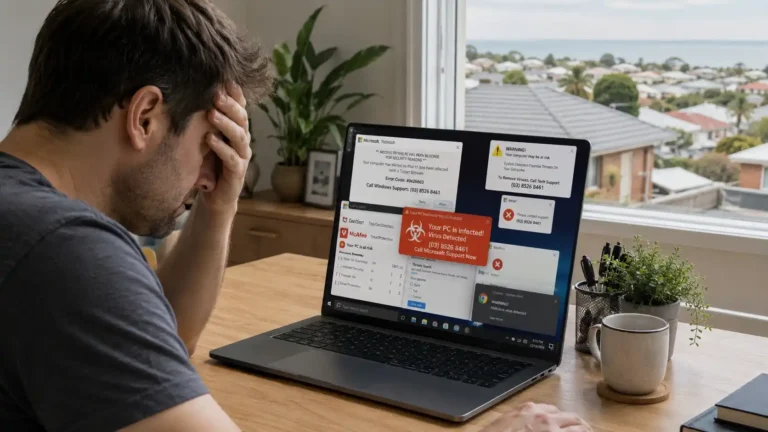
If your computer locks after suspicious pop-ups, fake virus warnings, or strange activity, stop entering passwords and avoid clicking unknown recovery tools.
| Common Lockout Cause | Windows Devices | Mac Devices | Risk Level |
|---|---|---|---|
| Forgotten Password | Very Common | Very Common | Low |
| Microsoft/Apple Account Sync Error | Common | Common | Medium |
| Malware or Ransomware | Common | Less Common | High |
| BitLocker/FileVault Encryption Issue | Medium | Medium | High |
| Corrupted User Profile | Common | Less Common | Medium |
| Failed System Update | Common | Common | Medium |
Safe Windows Password Recovery Options in Geelong
Not every Windows password problem needs a factory reset. Safe recovery depends on the account type, encryption status, and device condition.
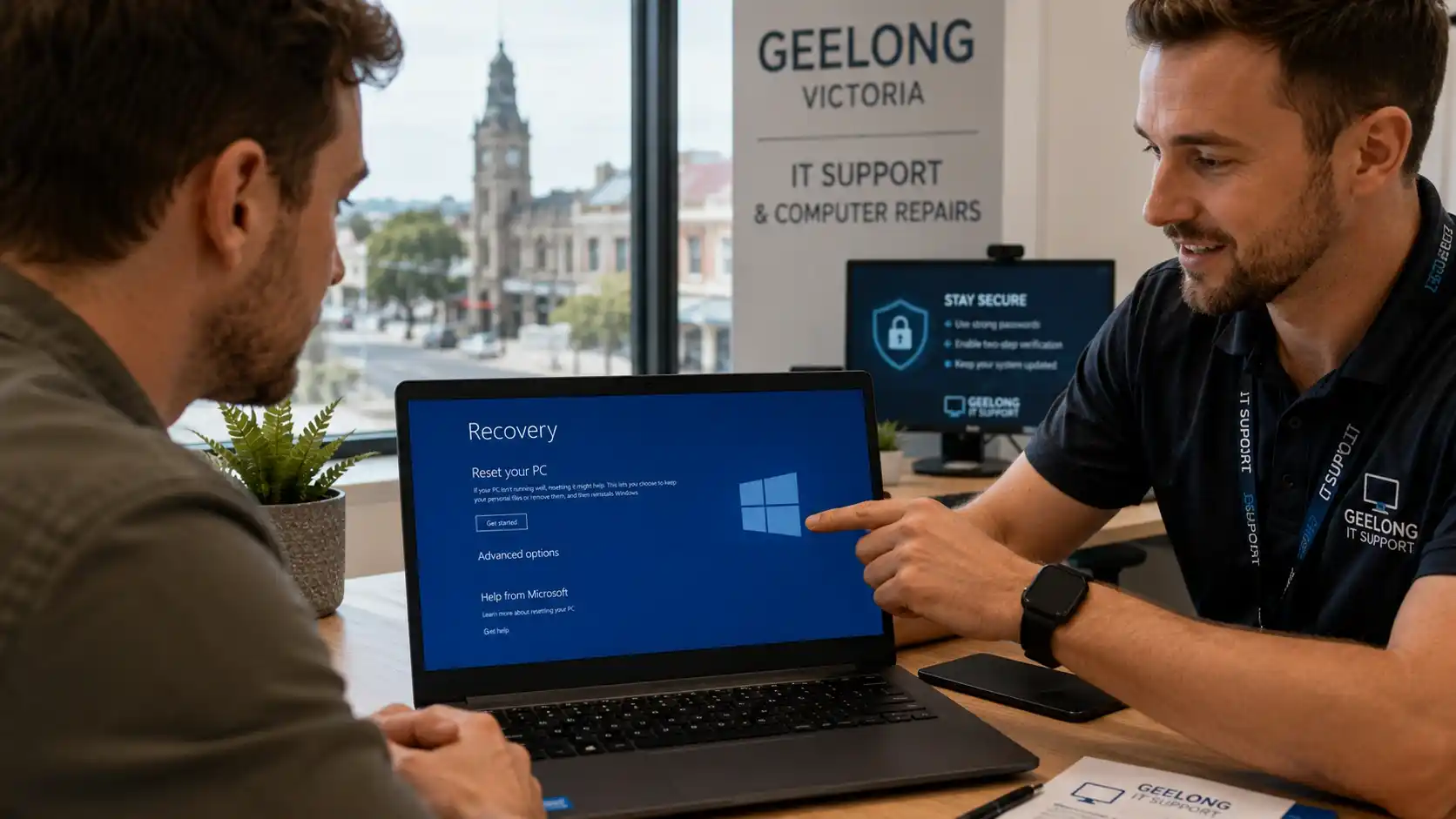
Using Microsoft Account Recovery
Microsoft provides official recovery tools for users who sign in with a Microsoft account. This works best when recovery email, mobile verification, or multi-factor authentication is already active.
Many local users near Shannon Avenue and High Street Belmont recover accounts this way without needing a full Windows reinstall.
Resetting a Local Windows Password
Local Windows accounts may support password reset disks, another administrator account, Safe Mode recovery, or professional account repair.
Advanced methods should be handled carefully because incorrect steps can corrupt user profiles or make file recovery harder.
What Happens If BitLocker Locks Your Computer?
BitLocker protects encrypted Windows drives. If Windows detects unusual hardware or startup changes, it may request a recovery key before booting.
Without the recovery key, files remain encrypted, random DIY tools rarely help, and improper bypass attempts can cause permanent data loss. This is why professional data recovery in Geelong matters for business laptops and encrypted SSDs.
| Recovery Method | Safe for Files | Difficulty Level | Recommended? |
|---|---|---|---|
| Microsoft Account Recovery | Yes | Easy | Yes |
| Password Reset Disk | Yes | Medium | Yes |
| Safe Mode Recovery | Usually | Medium | Yes |
| Factory Reset | No | Easy | Only Last Resort |
| Random Online Recovery Tools | Risky | High | No |
| Professional Password Recovery | Yes | Low User Risk | Strongly Recommended |
Mac Password Reset Solutions for MacBooks & iMacs
Apple devices use stronger security layers than older computers, so safe recovery depends on Apple ID access, FileVault status, and startup disk health.
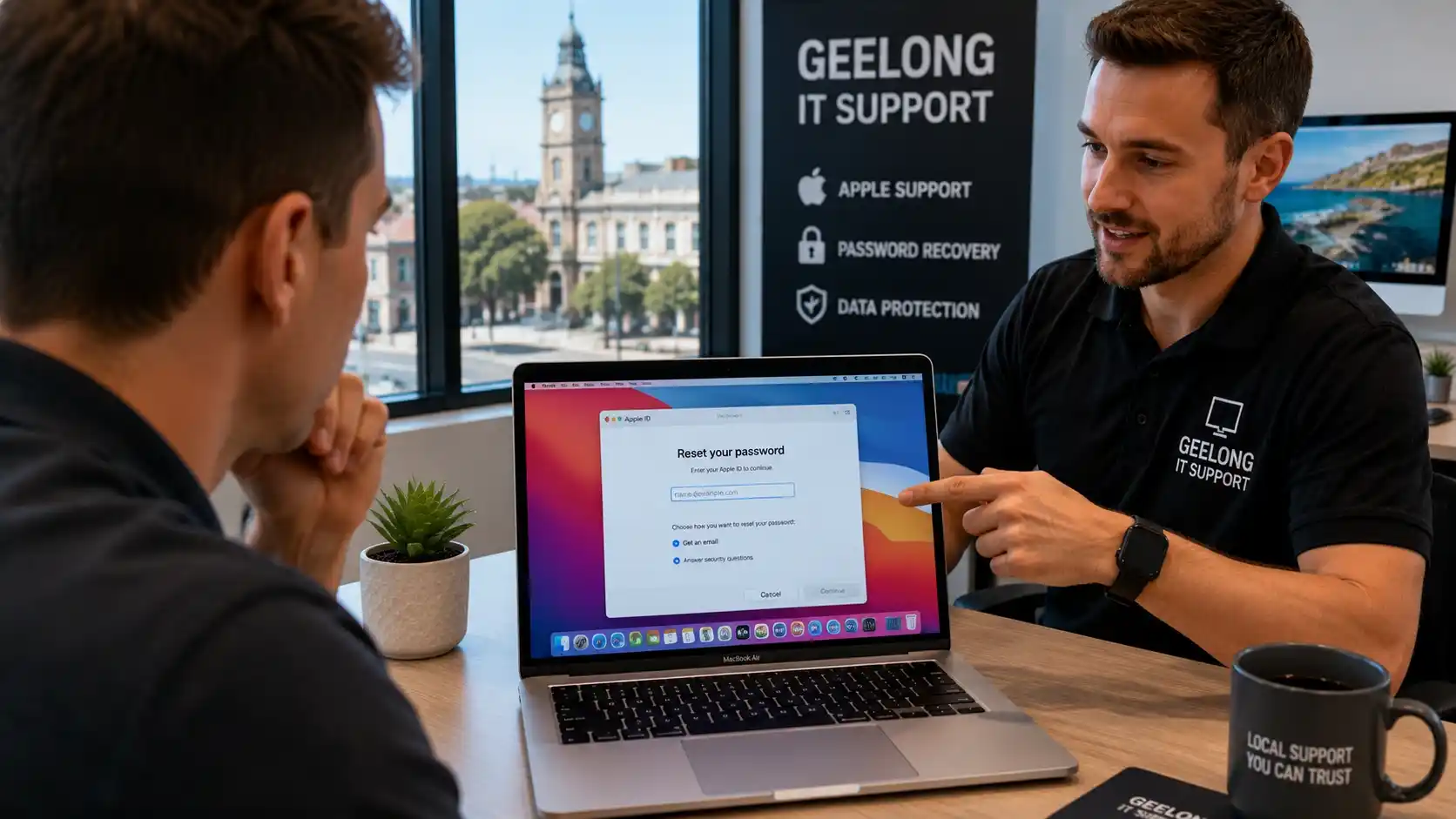
Resetting Passwords With Apple ID
Most modern Macs allow password recovery using linked Apple credentials when iCloud remains active, the device can connect online, and the Apple ID is accessible.
Apple provides official guidance through Apple Support password recovery.
Mac Recovery Without Apple ID
Without Apple ID access, recovery may require Recovery Mode assessment, FileVault verification, admin-level checks, or startup disk repair.
Security protections on newer Apple Silicon Macs make unauthorized access extremely difficult, which is good for theft protection but challenging during lockouts.
FileVault Recovery Explained
FileVault encrypts Mac storage drives. This protects data if a device is lost or stolen, but it also complicates password recovery when credentials are missing.
Users across Grovedale, Waurn Ponds, and Belmont often contact repair technicians after enabling FileVault but forgetting recovery credentials. In these cases, recovery keys become critical and DIY reset attempts may erase files.
Can You Recover Data After a Password Lockout?
Usually yes, but timing matters. Repeated restarts, random tools, and rushed factory resets can make recovery much harder.
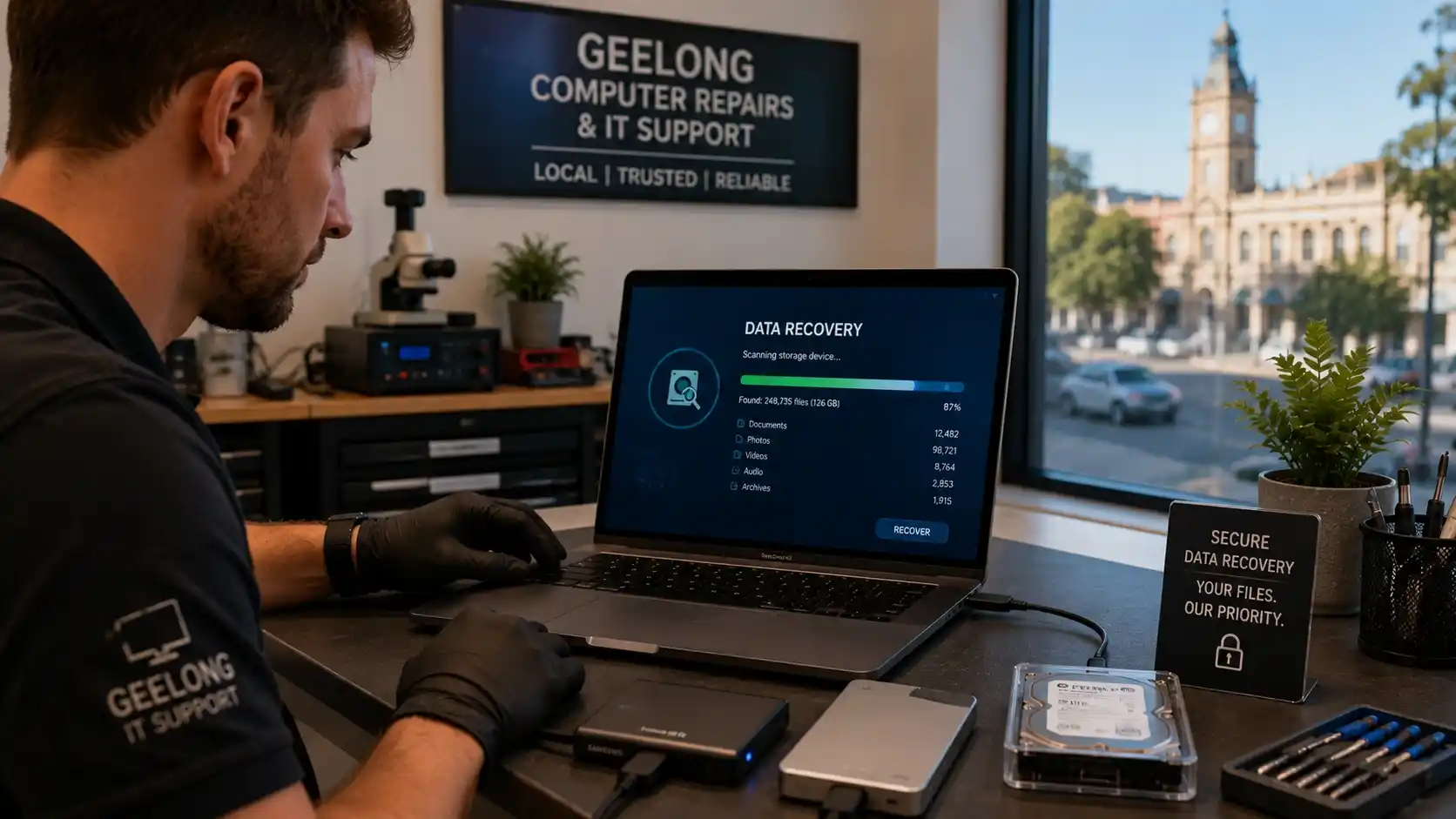
Protecting Important Files During Recovery
Before attempting repairs, stop repeated login attempts, disconnect suspicious internet access, avoid unknown recovery software, and do not factory reset immediately.
Safe recovery protects documents, business spreadsheets, family photos, accounting files, saved browser data, and other important information.
SSD & Hard Drive Data Recovery
Modern SSDs behave differently from older hard drives. Traditional drives may show clicking sounds, freezing, or corrupted folders, while SSDs may fail suddenly.
Professional technicians often clone failing drives before recovery work begins to reduce the risk of further data loss.
According to the Australian Cyber Security Centre, secure backups and careful ransomware response planning are important protections when devices become inaccessible. If your locked computer also shows malware or ransom warnings, avoid rushed payments and get expert advice first.
DIY Password Recovery vs Professional Computer Repairs in Geelong
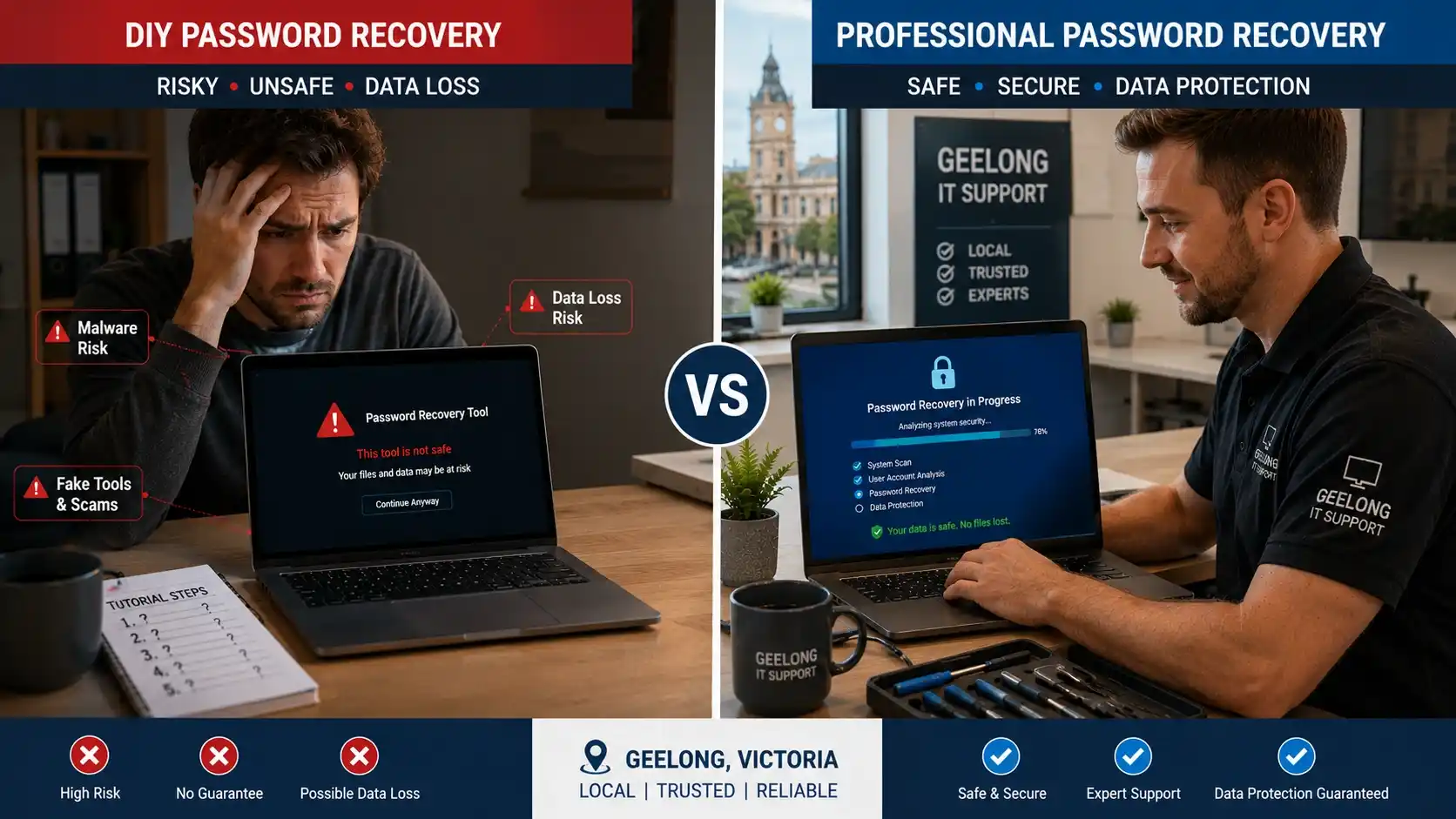
DIY methods can help in simple cases, but many online tutorials ignore encryption, malware, and data-loss risks.
When DIY Recovery Is Safe
- You still access the recovery email
- You know your Apple ID
- You created a recovery disk
- No encryption warning appears
- No malware or ransomware signs exist
Why Local Technicians Are Safer
Local repair experts understand Windows account structures, Apple recovery systems, BitLocker encryption, FileVault, malware-related lockouts, and secure data handling.
Many also provide onsite repairs, same-day support, remote IT support, and emergency laptop repairs in Geelong.
Common DIY Mistakes That Cause Data Loss
Technicians around Torquay, Ocean Grove, Belmont, and Geelong often see locked devices damaged by fake password tools, random YouTube tutorials, unsafe registry edits, failed Windows reinstalls, and accidental partition deletion.
| DIY Mistake | Possible Result |
|---|---|
| Factory Reset Too Early | Permanent File Loss |
| Unsafe Password Recovery Tools | Malware Infection |
| Reinstalling Windows Incorrectly | Corrupted Partitions |
| Disabling Encryption Wrongly | Unrecoverable Files |
| Ignoring Backup Procedures | Lost Photos & Documents |
| Repeated Failed Login Attempts | Account Lockouts |
Signs You Need Emergency Computer Repair in Geelong
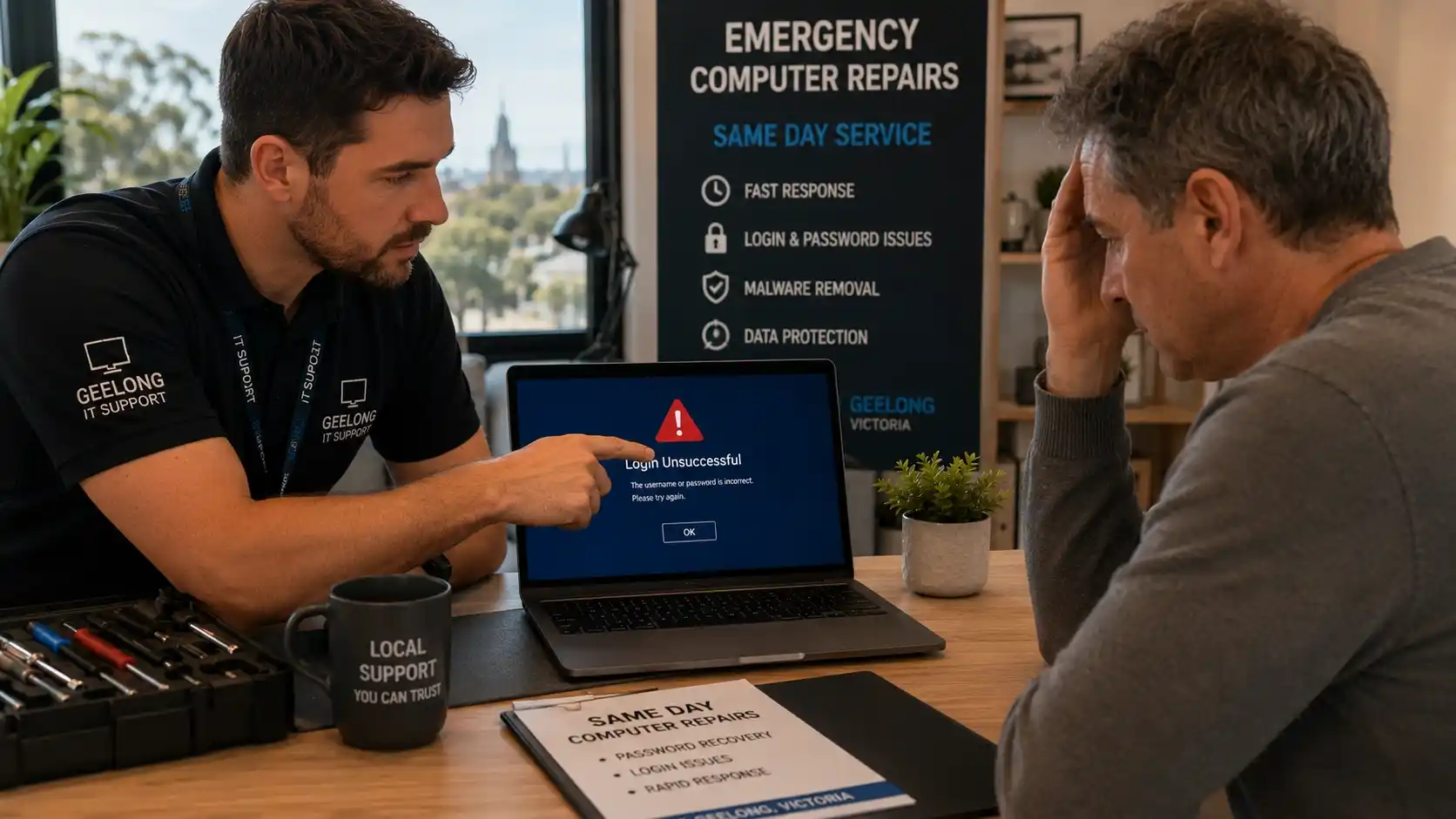
Some lockouts point to deeper system problems, especially when login failures appear with crashes, security warnings, or strange behaviour.
Repeated Login Failures
If passwords suddenly stop working across multiple accounts, malware, profile corruption, or account compromise may exist.
Blue Screen Errors
Corrupted system files can trigger blue screens during startup or immediately after login attempts.
Ransomware Warnings
Some ransomware attacks lock systems or files entirely. Never pay ransom demands without expert advice.
Mac Login Loops
Spinning wheels, black screens, and endless password prompts often involve failed updates, damaged profiles, or startup disk issues.
Suspicious Pop-Ups
Fake Microsoft, Apple, or antivirus alerts before a lockout may indicate spyware, phishing, or malware activity.
Business Downtime
If a locked laptop stops invoicing, payroll, email, or client work, same-day professional repair is usually the safest option.
How Our Geelong Password Recovery Process Works
Professional recovery should focus on security first, not risky shortcuts that may damage your files.
1. Device Assessment & Diagnostics
Technicians first identify the account type, encryption status, malware presence, drive health, and startup integrity.
2. Secure Password Recovery
The recovery method depends on Windows local accounts, Microsoft accounts, Apple ID verification, FileVault, and BitLocker keys.
3. Data Protection & Backup
Before major changes, important files can be backed up, failing drives cloned, and recovery points created where possible.
4. System Security Checks
After access returns, the device should be scanned for malware, spyware removed, patches updated, and password security improved.
How to Prevent Future Windows & Mac Lockouts
Most lockouts become preventable with simple security habits and reliable recovery information.
Use a Password Manager
Password managers help store complex credentials safely across Windows, Mac, phones, and tablets.
Enable MFA
Multi-factor authentication reduces unauthorized account access and makes recovery more secure.
Keep Recovery Keys Secure
Store BitLocker keys, FileVault keys, and Apple recovery codes in secure offline locations.
Protect Against Malware
Avoid suspicious downloads, fake browser updates, unknown USB devices, and phishing emails.
Backup Important Files
Regular backups make password lockouts, system failures, and ransomware incidents much easier to recover from.
Update Your System
Keeping Windows, macOS, browsers, and security tools updated reduces login errors and security risks.
Why Geelong Residents Choose Local Computer Repair Services
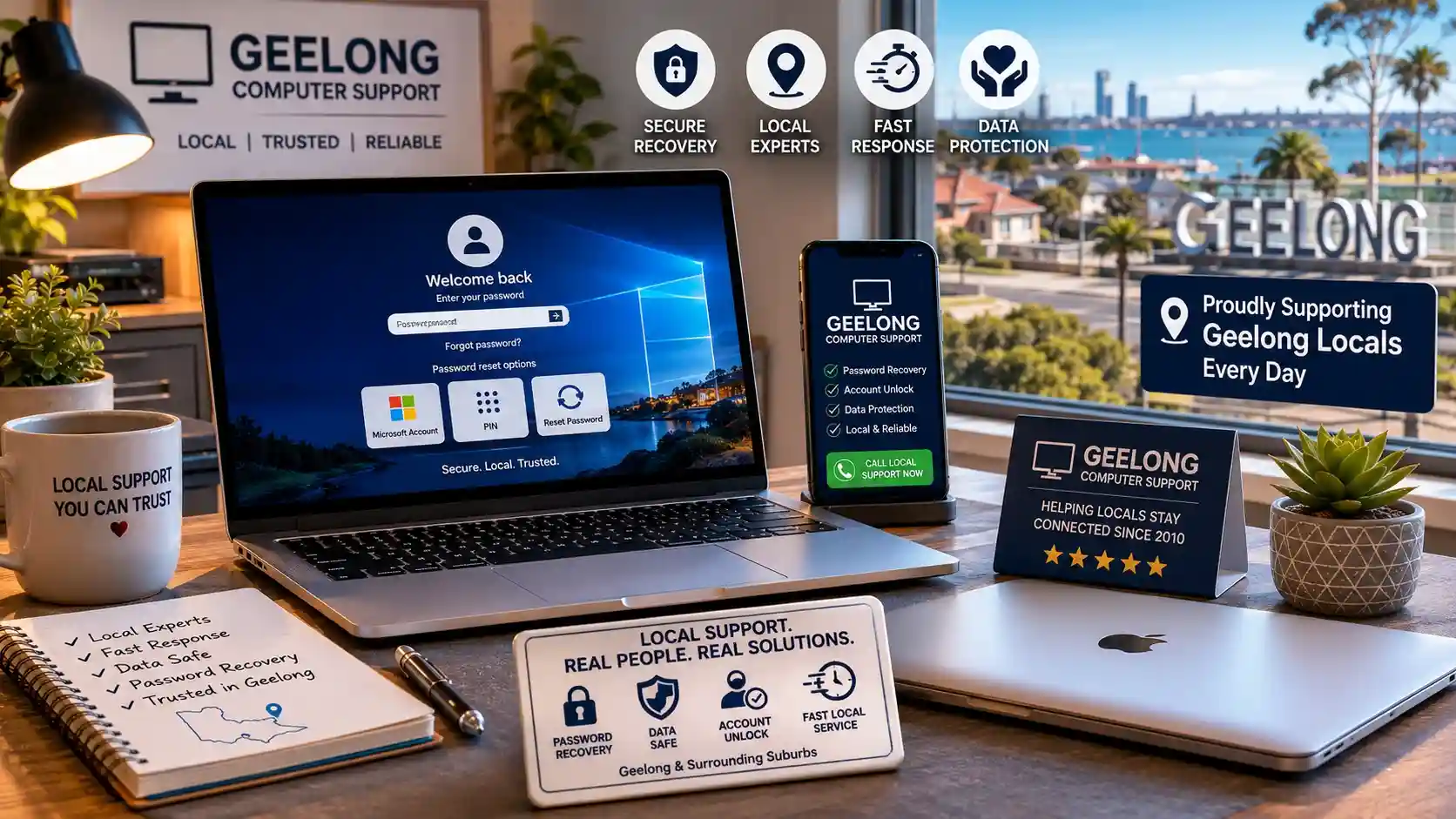
Local support matters during urgent lockouts because nearby technicians can respond faster and understand common regional issues.
Support for Home Users
Residents near Belmont, Highton, Waurn Ponds, Newtown, Grovedale, and the Bellarine Peninsula often prefer local help for locked laptops and MacBooks.
Local services can include onsite repairs, remote assistance, same-day support, malware cleanup, and secure file backup.
Support for Local Businesses
Businesses benefit from managed cybersecurity, cloud backup setup, network security, Microsoft 365 support, and disaster recovery planning.
When a locked device stops emails, invoicing, or staff access, fast local support helps reduce downtime.
Frequently Asked Questions About Password Recovery
Can malware lock me out of my laptop?
Yes. Some malware strains can block login access, change browser or account behaviour, or encrypt files entirely. If a lockout happens after suspicious pop-ups or fake security alerts, stop entering passwords and seek safe support.
How long does professional password recovery take?
Simple Microsoft, Windows, or Apple ID recovery may be completed quickly. Encrypted drives, damaged profiles, malware infections, or failing SSDs usually require deeper diagnostics.
Can a locked MacBook be unlocked without losing files?
Often yes, especially when Apple ID access, FileVault recovery keys, or another administrator account remains available. If FileVault credentials are missing, recovery becomes more complex.
Can I reset a Windows password without losing data?
In many cases, yes. Microsoft account recovery, local account repair, or professional password recovery can restore access without wiping files. Factory reset should only be a last resort.
What should I do if BitLocker asks for a recovery key?
Do not try random bypass tools. Look for the recovery key in your Microsoft account, business IT account, printed records, or secure backup location. If files are critical, get professional advice before changing drive settings.
Do you offer emergency computer repairs in Geelong?
Yes. Same-day and onsite support may be available across Geelong suburbs for urgent login problems, password recovery, malware lockouts, and data protection needs.

Need Safe Windows or Mac Password Recovery in Geelong?
Password lockouts happen more often than people think. The important thing is acting carefully before your data becomes damaged.
Whether the issue involves Windows password recovery, Mac password reset, ransomware protection, BitLocker recovery, FileVault access, email password recovery, malware removal, or data recovery, safe recovery should always come first.
Our local password recovery support can help with:
- Windows and Mac login problems
- Microsoft account and Apple ID recovery guidance
- BitLocker and FileVault recovery assessment
- Data backup before risky system changes
- Malware and ransomware security checks
For residents and businesses across Geelong, quick local support can often restore access without losing important files or disrupting work.