Computer Full of Pop-Ups? Signs You Need Malware or Adware Removal
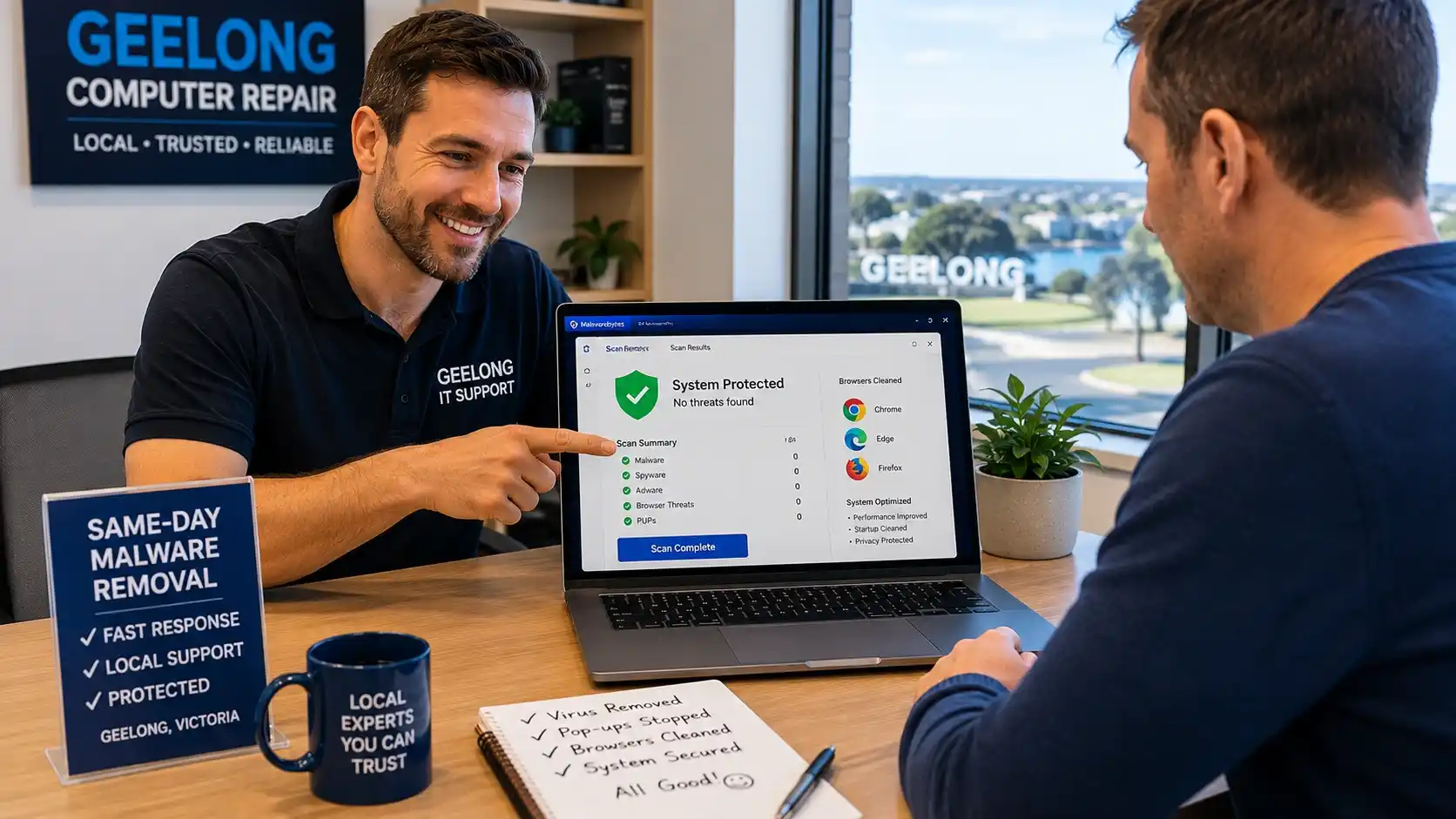
Professional Malware & Adware Removal in Geelong
Seeing constant pop-up ads, browser redirects, or suspicious virus warnings? Your computer may already be infected with malware, spyware, or adware.
We provide trusted malware removal services across Geelong and surrounding suburbs, including Belmont, Highton, Grovedale, Waurn Ponds, Newtown, Lara, and Ocean Grove.
Our technicians safely remove:
- adware & spyware
- browser hijackers
- fake antivirus alerts
- trojans & ransomware
Whether your PC is running slow, freezing, or showing fake security alerts, we can help restore your computer’s speed, security, and performance quickly.
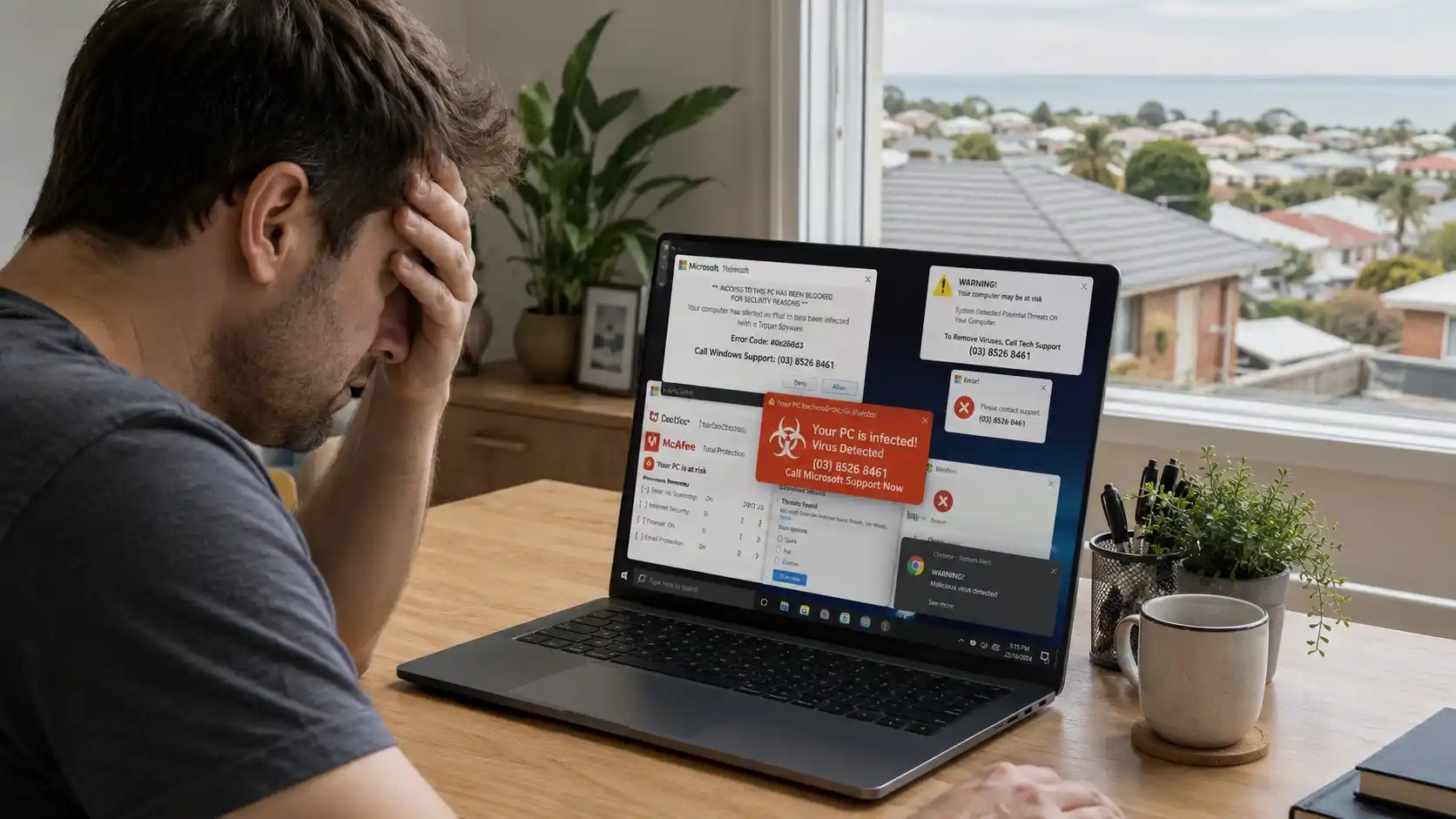
Computer Full of Pop-Ups? Signs You Need Malware or Adware Removal
Your computer should not bombard you with pop-ups every few minutes. If random ads keep appearing, something is wrong.
Many Geelong residents ignore these signs at first. Then the computer becomes slow, browsers redirect to strange websites, or online banking stops working properly. We often see this problem in Belmont, Highton, Waurn Ponds, and homes near Pakington Street and Shannon Avenue.
In many cases, adware or hidden malware causes the issue. Some pop-ups look harmless. Others try to steal passwords, banking details, or personal information. Fake McAfee alerts and fake Microsoft warnings have become common across Geelong and the Surf Coast area. If your computer suddenly behaves differently, do not ignore it. Early action can stop bigger problems later.
Why Pop-Ups Keep Appearing on Your Computer
Most constant pop-up ads come from adware, malicious browser extensions, or unsafe downloads. Some infections hide inside free software, fake video players, or browser notification permissions. A common example happens after downloading free PDF tools or movie streaming software. The user clicks “Allow Notifications” without noticing. After that, the browser starts showing scam ads daily.
Google Chrome and Microsoft Edge both warn users about malicious notification abuse. According to Google Safe Browsing research, harmful browser notifications continue to rise every year.
Dangerous vs Normal Browser Notifications
Not every notification means malware exists. Some websites use normal notifications for updates. Scam notifications behave differently.
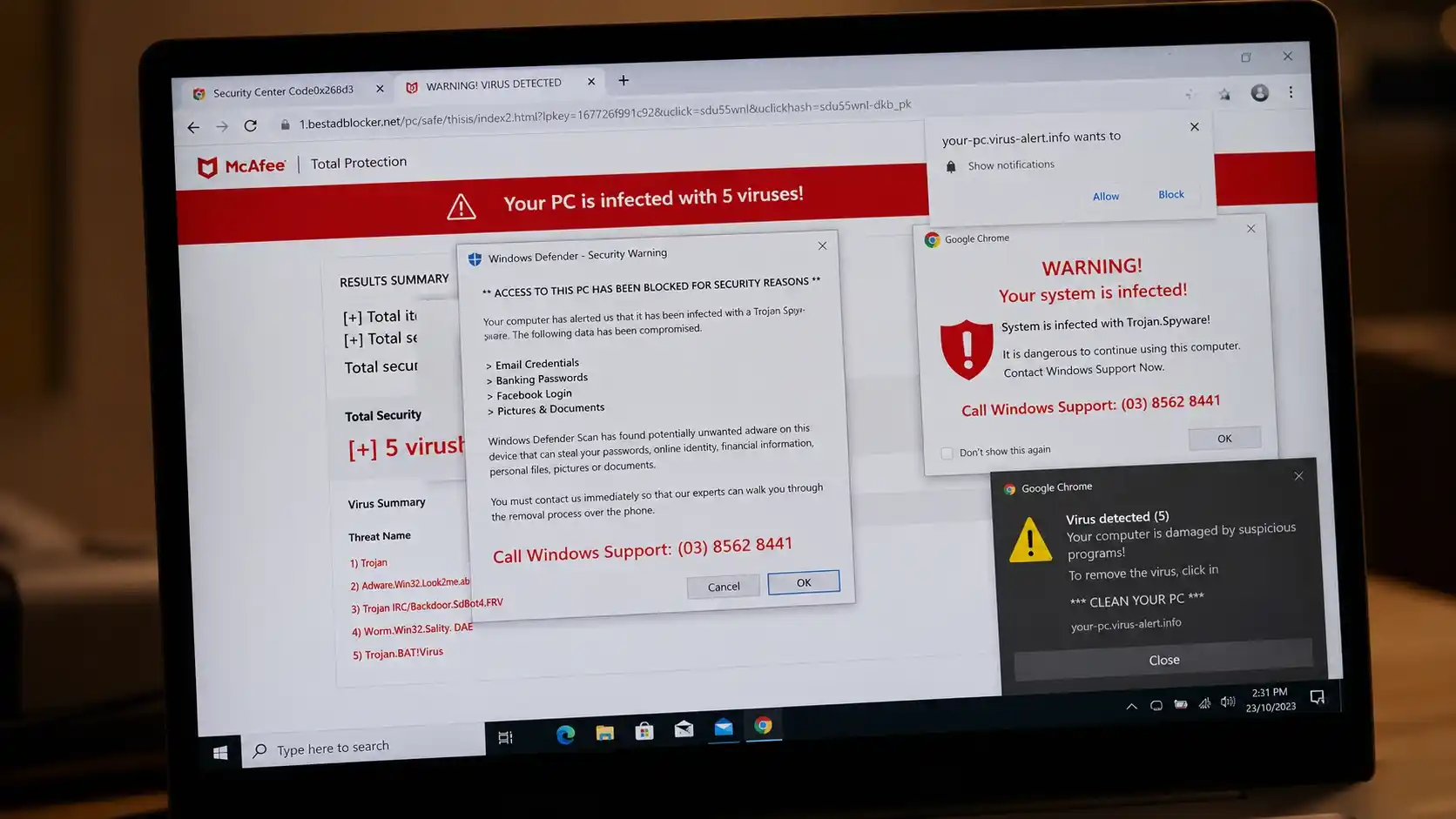
Scam Warning Signs
Be on the lookout for critical triggers that indicate scam interaction:
- Fake virus warnings
- Flashing security alerts
- Adult ads or betting pop-ups
- “Your PC is infected” messages
If the ads continue even after closing the browser, you likely have adware installed.
Geelong Home User Risks
Shared family computers face higher risks. Students often install unsafe software accidentally, making professional laptop repairs in Geelong a necessity to clean out deep-seated infections.
Public Wi-Fi networks near cafés around High Street and busy areas near Westfield Geelong also increase exposure to scams and phishing attempts.
Outdated software creates another problem. Older Windows systems usually lack recent security patches. Malware exploits these weaknesses quickly.
| Normal Notifications | Dangerous Pop-Ups |
|---|---|
| Come from trusted websites | Come from unknown websites |
| Usually informational | Use fear tactics |
| Easy to disable | Reappear constantly |
| Do not redirect browsers | Redirect users to scam pages |
| Do not slow computers | Often reduce PC performance and threaten data safety—consider data recovery in Geelong if files go missing. |
10 Warning Signs Your Computer Is Infected
Malware rarely announces itself clearly. Instead, it silently changes how your computer behaves.
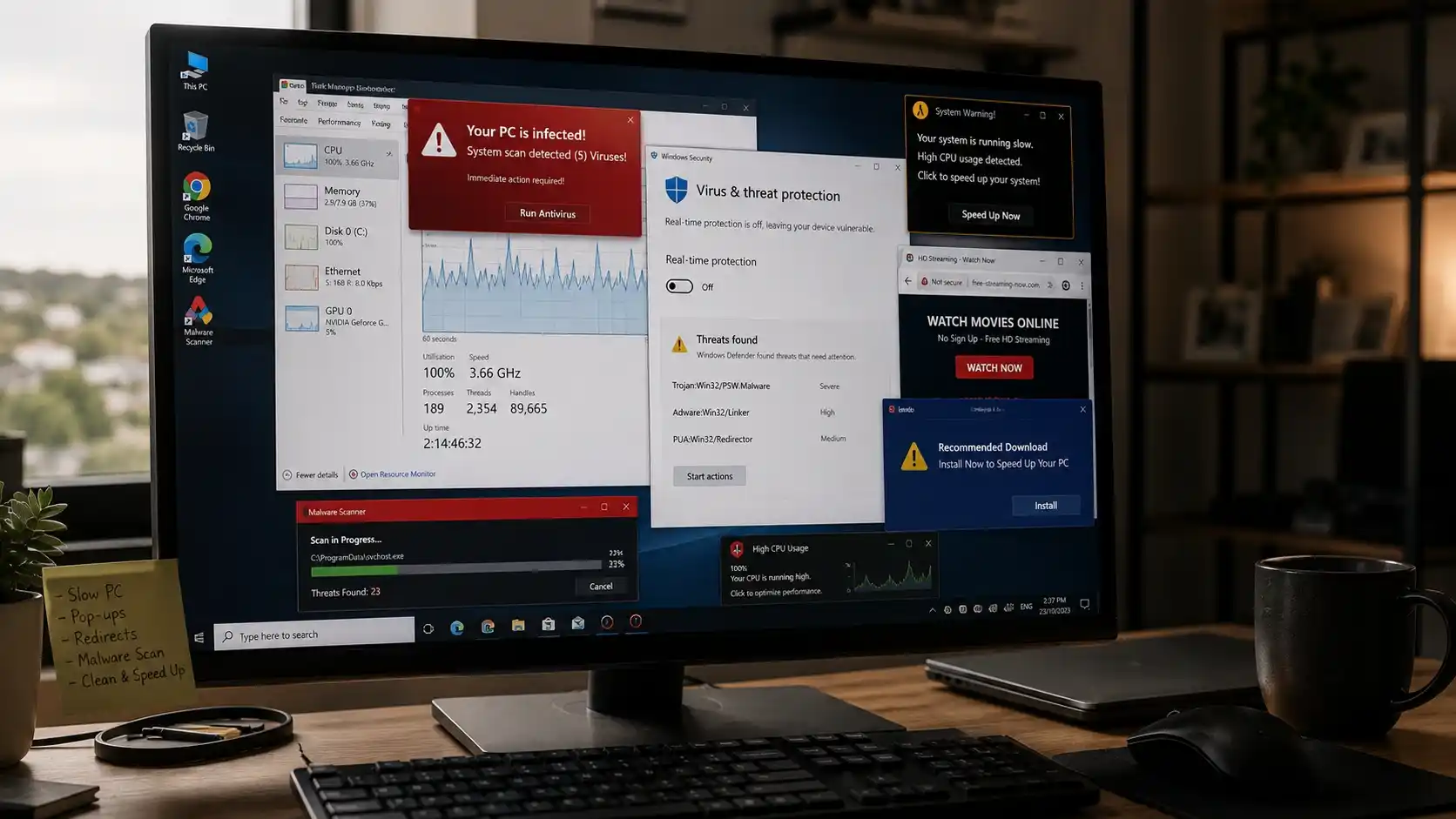
| Symptom | Possible Cause | Risk Level |
|---|---|---|
| Constant pop-ups | Adware infection | Medium |
| Browser redirects | Browser hijacker | High |
| Disabled antivirus | Trojan malware | High |
| Slow performance | Hidden background malware | Medium |
| Unknown software installed | Spyware or bundled malware | High |
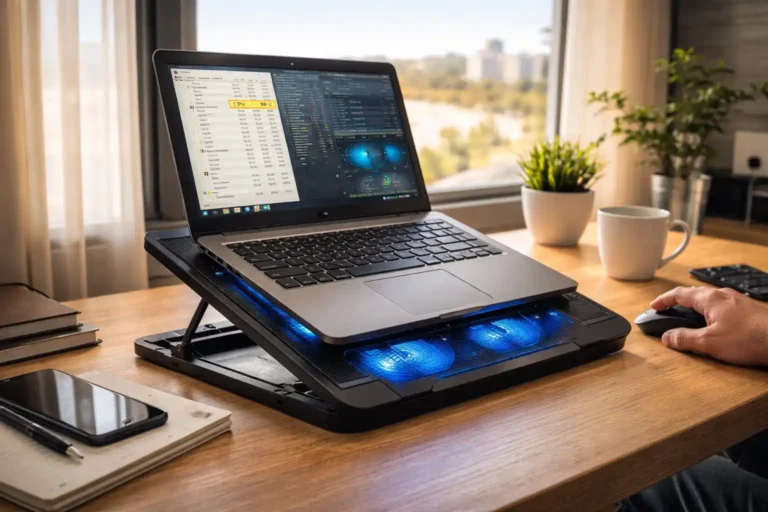
| Overheating and loud fans | Cryptojacking malware | High |
1. Constant Ads
The ads may appear directly on your desktop, browser, or bottom taskbar continuously.
2. Sudden Slowdown
Hidden malware consumes massive CPU and memory resources, causing systemic delays.
3. Browser Redirects
Browser hijackers force your active sessions to redirect to gambling, shopping, or scam pages.
4. Fake Antivirus
Scammers simulate fake security software warnings to pressure you into purchasing malicious software.
5. Automatic Installs
Suspicious third-party software programs with strange names appear on your installed apps list.
6. Disabled Antivirus
Aggressive infections purposefully turn off Windows Defender or block downstream security updates.
7. Cryptojacking
Background crypto-mining malware heavily stresses hardware, creating intense heat and loud fan noise.
8. Permission Changes
Your default homepage, preferred search engines, and active browser extensions change without notice.
9. Account Anomalies
Receiving unexpected account password reset emails can point directly to background spyware tracking.
10. Laptop Keeps Freezing or Crashing: Repeated system-wide crashes and blue screens often signal underlying operating system corruption caused by malicious files.
Malware, Adware, Spyware & Viruses Explained
Many people use these terms interchangeably, but they actually represent completely distinct digital threats.
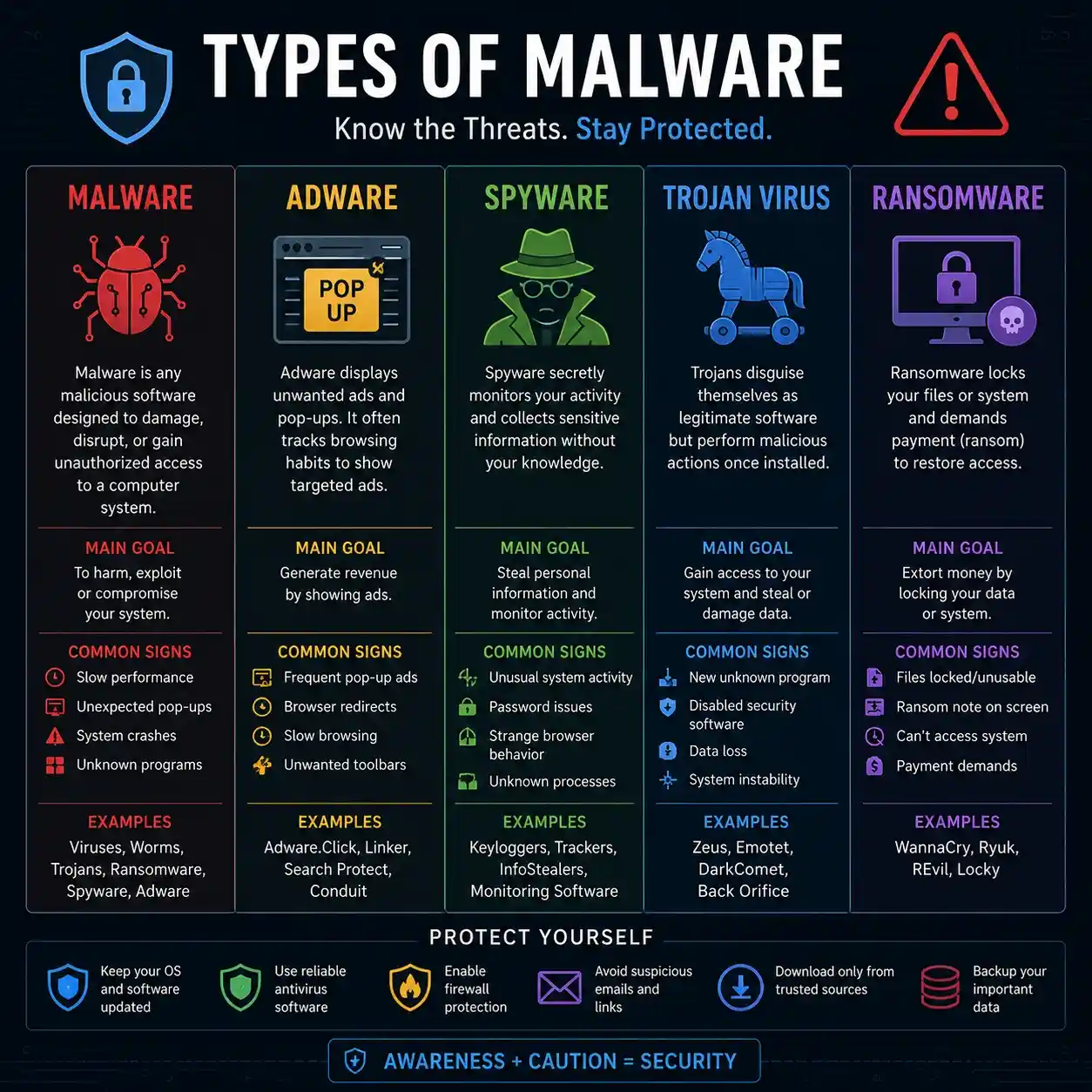
Threat Classifications
What Is Malware? Malware refers to any harmful software program specifically designed to damage operating systems or steal sensitive data.
What Is Adware? Adware focuses entirely on aggressive advertising, flooding your screen with unwanted pop-ups and browser redirects.
What Is Spyware? Spyware secretly tracks your local user activity, capturing keystrokes, personal browser history, and private passwords.
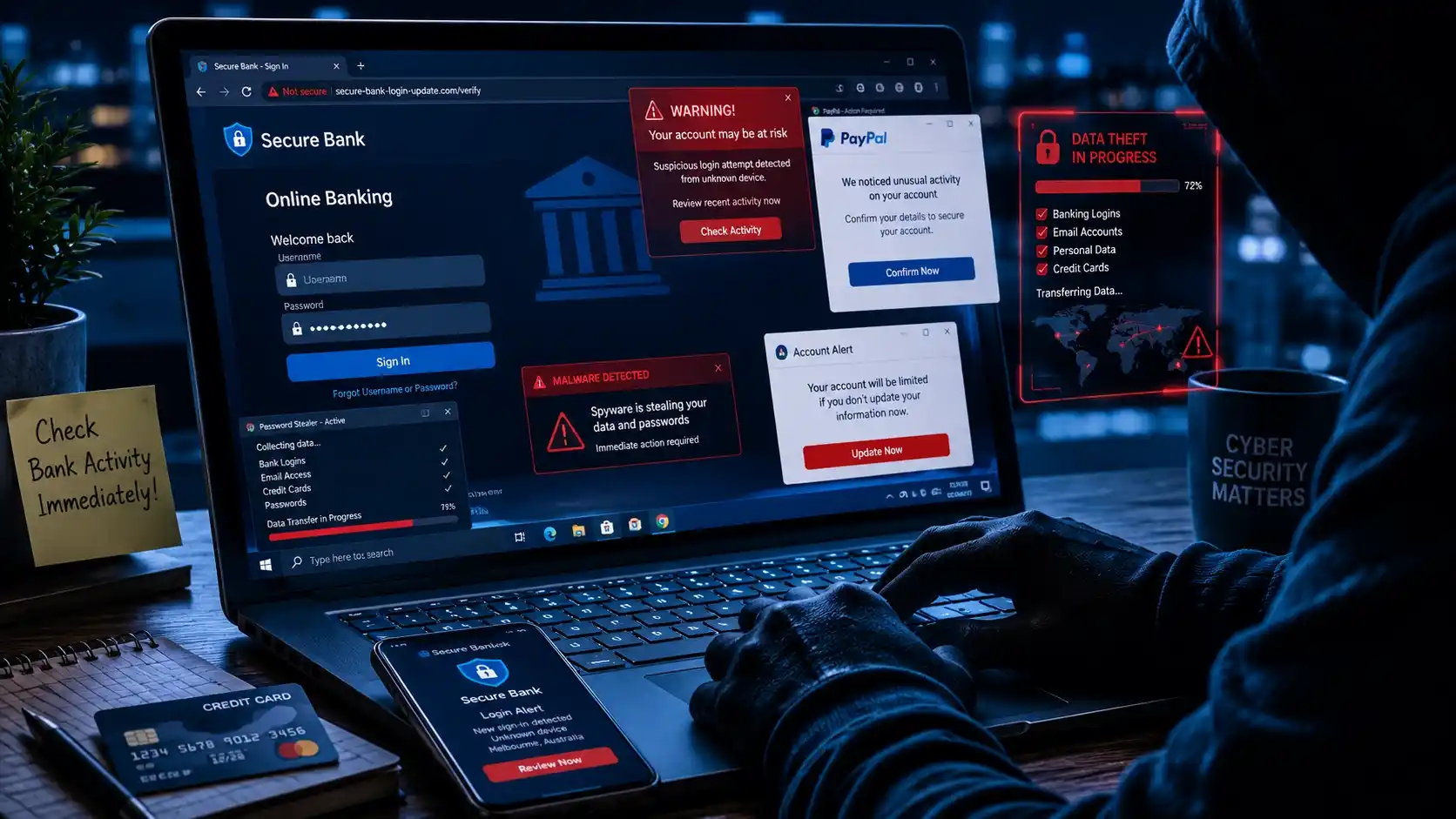
Severe Security Risks
What Is a Trojan Virus? Trojan malware cleverly disguises itself as legitimate software, tricking users into installing it accidentally.
What Is Ransomware? Ransomware locks down all target system files and demands a costly payment for recovery. Local businesses across Geelong increasingly face this severe threat.
According to Microsoft Security Intelligence, ransomware attacks continue rising globally each year.
Can Malware Steal Your Passwords or Banking Details?
Yes. Some spyware targets online banking sessions directly, while others capture active passwords through sophisticated fake login pages. Scam pop-ups often pretend to be Microsoft alerts, PayPal warnings, bank security notices, or antivirus notifications.
Users click these alerts believing they are genuine, creating extreme financial risks including identity theft, hacked email accounts, stolen banking credentials, and Facebook account takeovers. If suspicious pop-ups appear during a banking session, stop immediately.
Why Free Antivirus Software Often Misses Hidden Malware
Many free antivirus programs only detect historical, known threats. Advanced malware evolves constantly. Browser hijackers and malicious extensions frequently avoid traditional software scans entirely.
Specialized diagnostic programs like Malwarebytes help detect adware variants better than standard antivirus tools, but severe infections require manual cleanup. Some advanced malware will systematically disable Windows Security, firewall protection, and local browser security settings to shield itself from detection.
What to Do If Your Computer Is Full of Pop-Ups
Quick action matters. Follow these urgent mitigation steps to isolate an active device infection.
| Action Step | Why It Matters |
|---|---|
| Disconnect internet | Stops continuous data transmission and theft |
| Run malware scans | Detects and isolates common core infections |
| Remove suspicious extensions | Prevents active background browser hijacking |
| Avoid clicking alerts | Prevents deeper, secondary payload infections |
| Backup files | Protects important data from total systemic loss |
1. Disconnect From the Internet
Turn off your Wi-Fi or unplug your network cable immediately if your computer begins behaving suspiciously to halt malicious remote connections.
2. Run a Safe Malware Scan
Use highly trusted security utilities only. Avoid downloading random, unverified “PC cleaners” advertised in pop-ups, as these are often malware variants themselves.
3. Remove Suspicious Browser Extensions
Carefully audit your active Chrome, Edge, or Firefox extensions and eliminate anything you did not explicitly install.
4. Avoid Clicking Fake Virus Warnings
Never interact with alert prompts. Many fake warning windows install deeper malware payloads immediately after a user clicks anywhere on the warning dialogue.
5. Backup Important Files Immediately
Secure your critical family photos, business documents, and financial records safely onto an external drive before beginning a comprehensive system cleanup.
Real Malware Cleanup Case Studies From Geelong
Some infections become too advanced for DIY fixes. Here is how we regularly help our local clients.
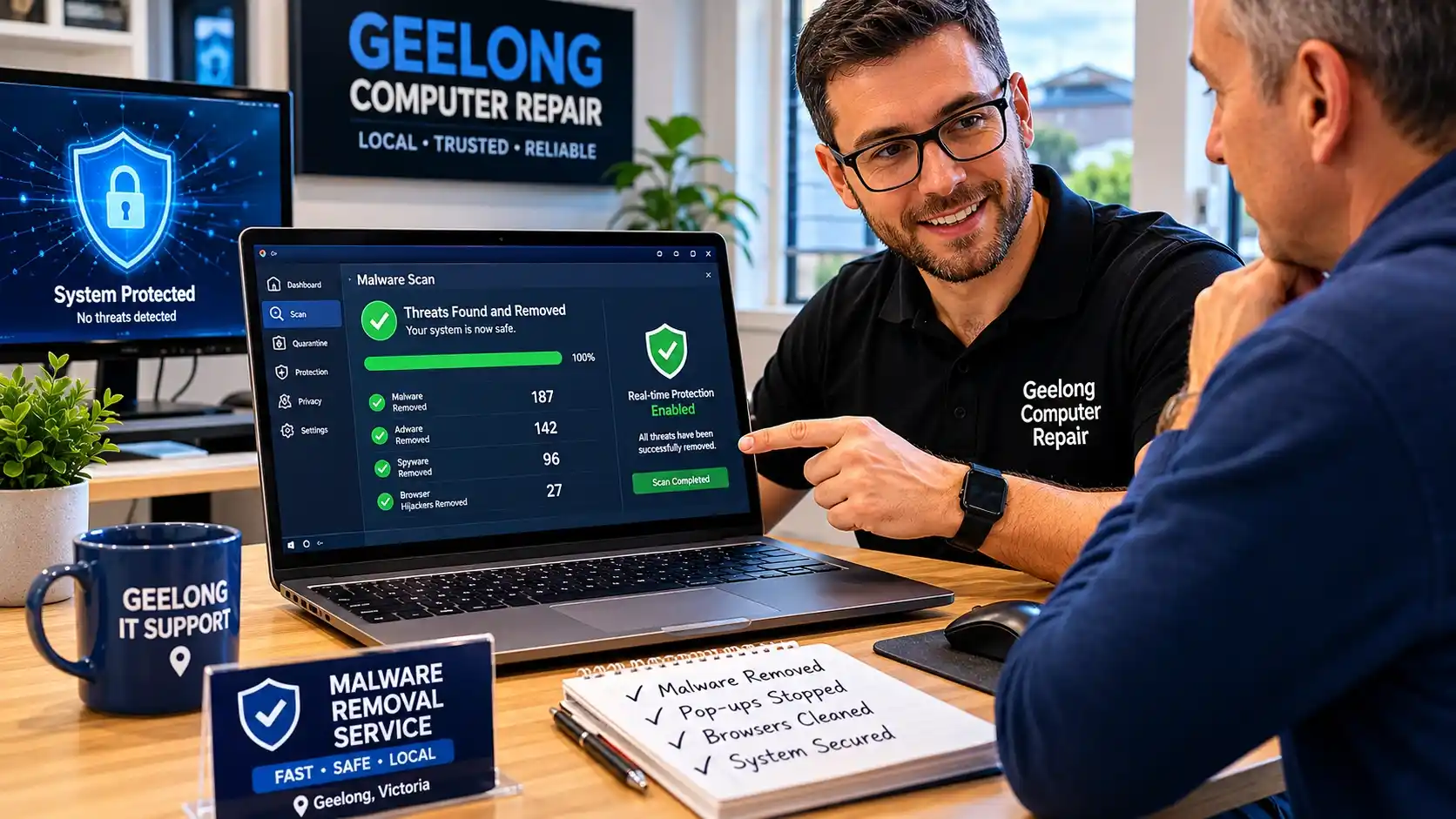
Waurn Ponds Case
A laptop was flooded with fake McAfee pop-ups after clicking a malicious streaming link. Removing the browser permissions fixed the system safely.
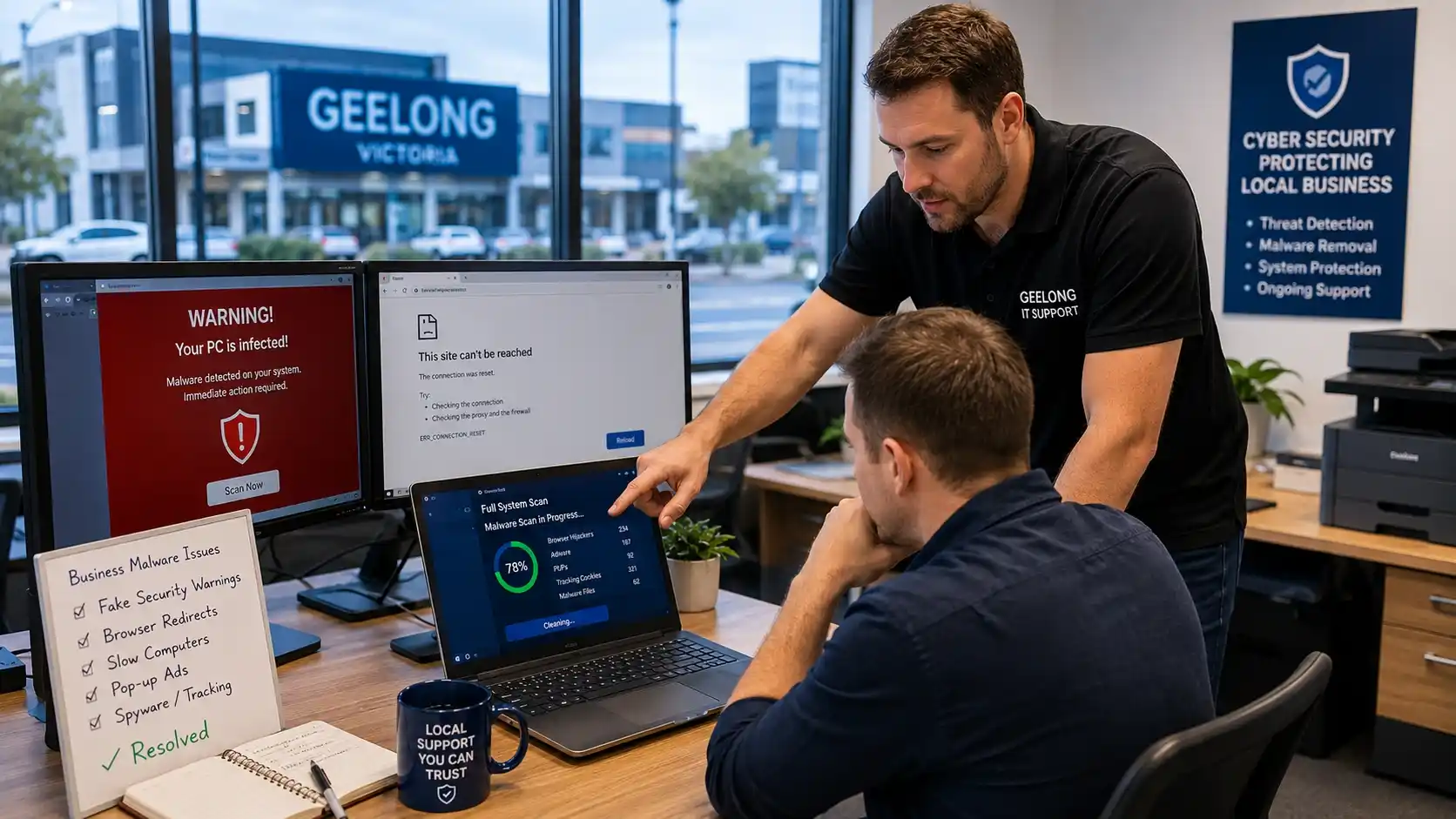
Pakington St Case
A small business experienced dangerous Google redirects during invoicing. Techs discovered and manually purged a hidden browser hijacker.
Grovedale Case
A family PC downloaded fake software updates, disabling Windows Defender and stalling performance. Manual deep cleaning successfully restored speed.
Facts & Figures About Malware and Pop-Up Threats
Cyber threats continue growing every single year. According to Google Safe Browsing telemetry, millions of dangerous websites appear yearly, phishing attacks continue increasing, and browser notification scams have surged recently.
Microsoft reports that ransomware and credential theft remain major cybersecurity threats for small businesses and home users alike. Malwarebytes research also shows that browser-based scams target non-technical users heavily because they rely on fear and confusion.
When pop-ups keep returning, antivirus tools fail, logins appear compromised, or systems crash repeatedly, professional intervention is necessary. Many local businesses near Moorabool Street and small offices around Belmont require urgent, same-day support because downtime directly threatens daily operations. Remote cleanup works for minor adware, but severe variants require specialized on-site diagnostics.
Why Geelong Residents Trust Our Service
Local support matters during stressful security situations. Nearby technicians understand common regional issues across Belmont, Lara, Torquay, and Ocean Grove.
“Same-Day Fix”
“My browser kept opening scam pages constantly. The issue disappeared after cleanup. Everything runs faster now.”
— Sarah, Highton
“No Data Loss”
“I thought my business documents were gone forever. Thankfully, the cleanup protected all important files.”
— James, Belmont
“Fast Help”
“Our office PCs near Newtown became unusable after a phishing email. Fast support fixed everything quickly.”
— Michael, Geelong West
Frequently Asked Questions About Malware & Virus Removal
Why does my computer keep showing pop-ups?
Adware infections, malicious browser extension scripts, or hidden notification permissions are the most common root causes of repeated popup windows.
Can adware slow down my PC?
Yes. Adware aggressively consumes active system memory, computing components, and processing cycles constantly in the background.
Can malware steal banking information?
Yes. Advanced spyware variants and credential-phishing malware scripts target stored passwords and sensitive financial login configurations directly.
Can Windows Defender remove malware completely?
Sometimes. While it handles basic elements well, complex or deep-seated system infections will deliberately bypass or disable standard integrated scans.
Are browser pop-ups always malware?
No. Legitimate websites utilize notifications safely for news. Scam ad scripts, however, act aggressively, repeatedly, and block normal device operations.
What is the fastest way to remove adware from Windows?
Isolate the device from the internet, execute specialized target software scans, completely eliminate unknown extensions, and cleanly reset infected web browser options.
Need Fast Malware or Adware Removal in Geelong?
Constant pop-ups usually signal deeper problems. Ignoring them increases your security risks significantly over time.
Whether you live near High Street, Shannon Avenue, Belmont, Grovedale, or the Surf Coast area, quick action helps protect your files and personal information. Professional malware cleanup removes hidden threats safely while protecting important data and restoring normal computer performance.
Our local computer security guarantee provides:
- Comprehensive system diagnostics
- Complete privacy and bank security isolation
- Permanent adware browser cleanup
- Robust localized protective configurations