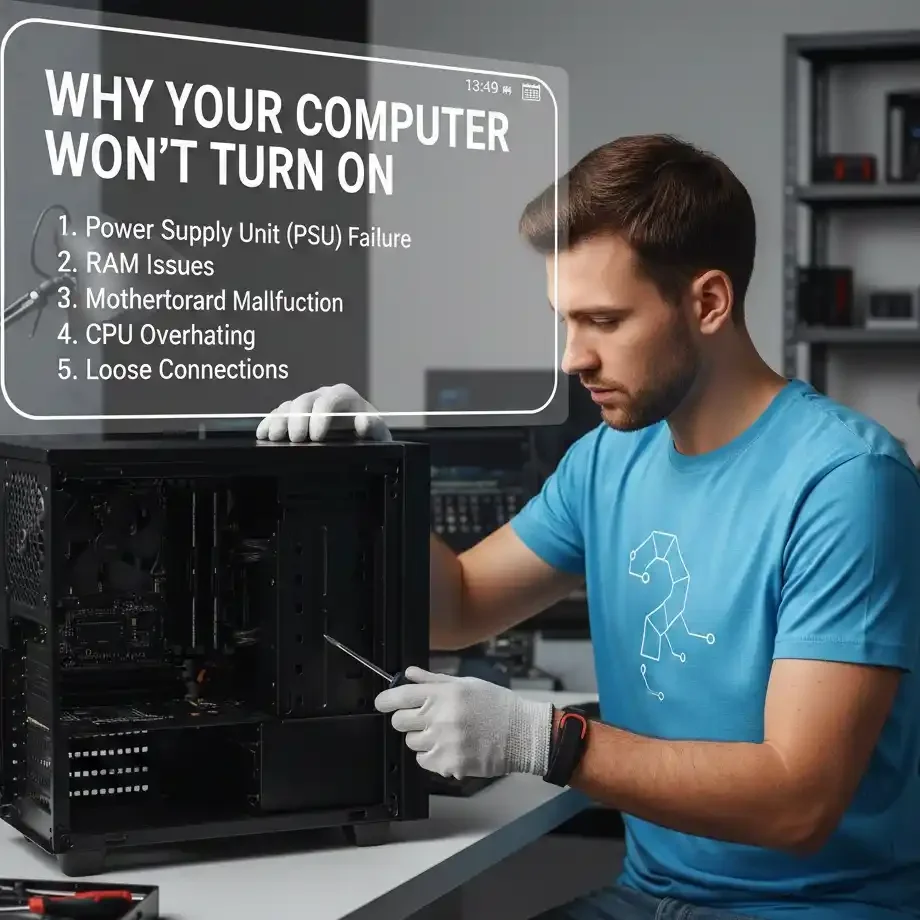
Why Your Computer Won’t Turn On
Why Your Computer Won’t Turn On (And How We Fix It in Geelong)
When a computer won’t turn on, it can feel like your whole day stops.
No work. No school. No Netflix. No business.
In Geelong, we see this all the time.
From Pakington Street cafés to Waurn Ponds student homes, power issues happen fast.
Most people don’t know what to do.
They try random fixes.
Then the problem gets worse.
Search Your Problem
This guide explains what causes a computer to fail at startup, what you can safely check, and how our Geelong computer repair team fixes it fast.Explore our all services here compter repair mate services.
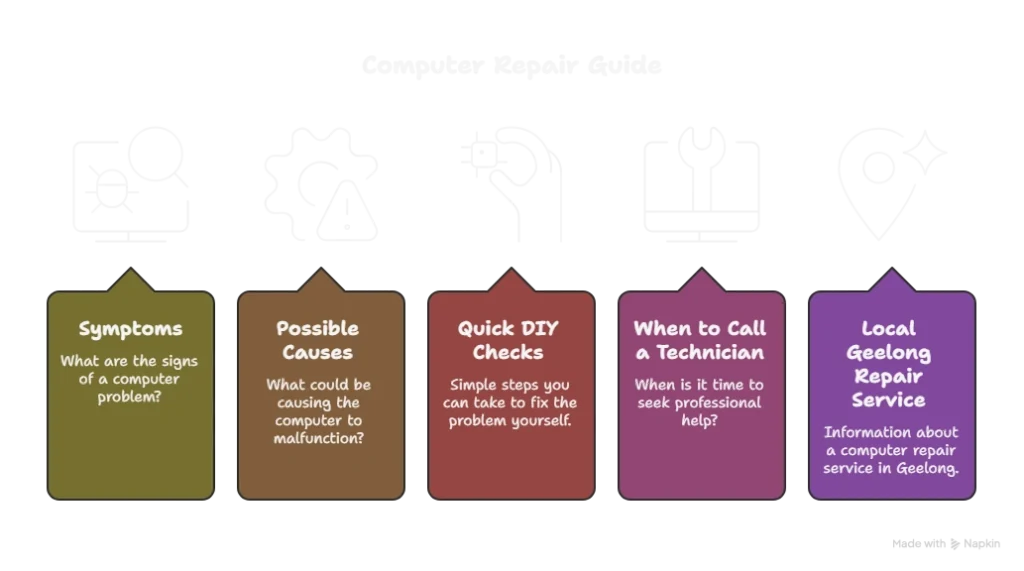
First: What “Won’t Turn On” Actually Means
Not every computer failure is the same.
Some users think their computer is dead, but it’s only a display problem.
Some systems show lights but never boot.
Others turn on for a second and then shut down.
Here are the main symptoms we see:
Symptoms
- No power at all (no lights, no fans)
- Power but no display (fans spin, screen stays black)
- Starts then shuts off
- Beep codes or blinking lights
Each symptom points to different causes.
That’s why guessing rarely works.
Symptoms vs Likely Cause
| Symptom | On-Site | Remote |
| No lights, no fans | Power source or PSU | Try different outlet, power cable |
| Fans spin, no display | Monitor or GPU issue | Test another monitor |
| Starts then shuts off | PSU, overheating, RAM | Check PSU, clean vents |
| Beeps or blinking lights | Hardware failure | Diagnose beep codes |
2. The Most Common Causes (And How We Diagnose Them)
Power Source Problems (Most Common)
This is the number one cause of “no power.”
It sounds simple, but it is the biggest hidden issue.
In older homes around Newtown, East Geelong, and Highton, outlets can wear out.
Power boards also fail without warning.
What we find most often:
- Faulty wall sockets
- Damaged power cables
- Broken power boards
Simple check you can do:
Plug the computer directly into a wall outlet.
If it powers on, the power board is the issue.
This is the easiest fix, but many people skip it.
Laptop Battery or Charger Issues
Many laptops won’t start because the battery is dead.
This is common around:
- Deakin University Waurn Ponds
- Geelong Tech Park
- Student rental homes near Cunningham Street
Symptoms include:
- No power when unplugged
- Lights on but no startup
- Charging light flickers
Safe check:
Try another charger if possible.
Let it charge for 30 minutes.
If it still won’t start, the charger or battery may be faulty.
Power Supply Failure (Desktop PCs)
A failing power supply is one of the most common hardware failures.
Signs include:
- No lights
- No fans
- Clicking sounds
- Power for 1 second then nothing
Power supplies often fail after 3–5 years.
This is common in older gaming PCs and office desktops.
We test voltage properly before replacing anything.
That prevents unnecessary part swaps.
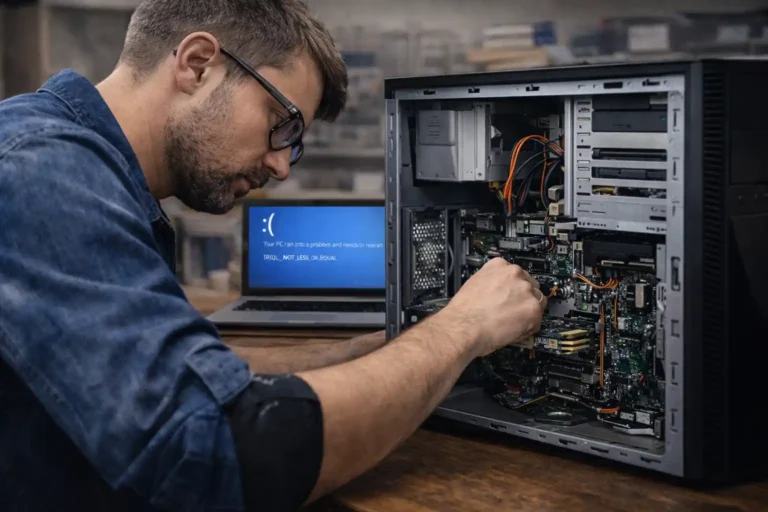
Internal Hardware Problems
If the computer beeps, shuts down quickly, or fails to boot, hardware may be failing.
Common issues:
- RAM errors
- Motherboard faults
- CPU overheating
- Faulty graphics card
Beep codes and blink patterns are built-in diagnostic signals.
They help identify the exact hardware problem.
This is not a DIY job.
You need tools and experience.
Power Button or Case Wiring Failure
If pressing the power button does nothing, the button itself may be broken.
This happens a lot in:
- Older desktop cases
- Custom builds
- Machines moved around a lot
We fix this frequently for people living near:
- High Street Belmont
- Moorabool Street
- Cleveland Street
Power button failure is not safe for DIY.
Opening the case without proper tools can cause more damage.
Display or Monitor Issues (Computer May Be On)
Many people think the computer is dead when it is running.
The screen may show nothing because:
- Monitor cable is faulty
- Wrong display input selected
- Graphics card is failing
- Monitor is broken
We often see this in homes near:
- Belmont Common
- Geelong Waterfront
- Grovedale
Always test with another monitor or screen before assuming the PC is dead.
Safe DIY Checks You Can Try
You can try these safely.
Do not go beyond this list if nothing works.
Check Power
- Try another wall outlet
- Remove the power board
- Use another power cable
Check Monitor Input
Ensure the monitor input matches the cable.If nothing works, stop.
Continuing DIY often causes more damage.
Disconnect Peripherals
Remove USB devices and external drives.Some devices prevent boot.
Power Reset
Hold the power button for 15 seconds.
Then try again.
Safe DIY Checks
| Check | What It Fixes | Stop If Not Working |
| Try another outlet | Power board failure | Stop if still no power |
| Remove USB devices | Boot conflict | Stop if no change |
| Power reset (15 sec) | Firmware / power state | Stop if still dead |
| Check monitor input | Display issue | Stop if still black |
How We Fix “Computer Won’t Turn On” in Geelong
We follow a structured process:
Step 1: Symptom Analysis
We identify whether it’s:
- Power issue
- Boot issue
- Display issue
Step 3: Component Isolation
We remove parts to isolate the faulty component.
Step 2: Power Testing
We test power delivery and voltage.
Step 4: Data-Safe Repair
We repair or replace parts while protecting your data.
Step 5: Clear Explanation
We explain the problem in simple terms and give options.
We offer same-day service across Geelong suburbs, including:
Local Case Studies
Case Study 1 – Belmont Desktop No Power
- Issue: No lights, no fans
- Cause: Failed power supply
- Fix: Same-day replacement
- Result: Fully working in 2 hours
Case Study 2 – Waurn Ponds Laptop Turns On but No Screen
- Issue: Lights on, fans spin, black screen
- Cause: Display cable fault
- Fix: Cable replaced
- Result: Data saved, no full replacement
Facts & Figures
- Power issues cause a large share of startup failures.
- Power supplies often fail after 3–5 years.
- Display issues often look like complete failure but are easier to fix.
These align with manufacturer guidance and industry repair data.
FAQs
Why Local Geelong Repair Helps
If you try random fixes, you risk losing data.
You also risk damaging parts.
Local repair is faster.
We know common issues in Geelong homes and offices.
We fix computers near:
- Pakington Street
- Moorabool Street
- High Street
- Surf Coast Highway
We can often diagnose and fix the same day.We fix according to the brand guidelines ie hp guideline dell guidelines etc etc.
Call to Action
If your computer won’t turn on, don’t wait.
Call our Geelong team today.
We provide fast, reliable repairs.
We protect your data.
We fix the real cause.