Windows 11 Update Problems in Geelong – Fast Local Repair Solutions
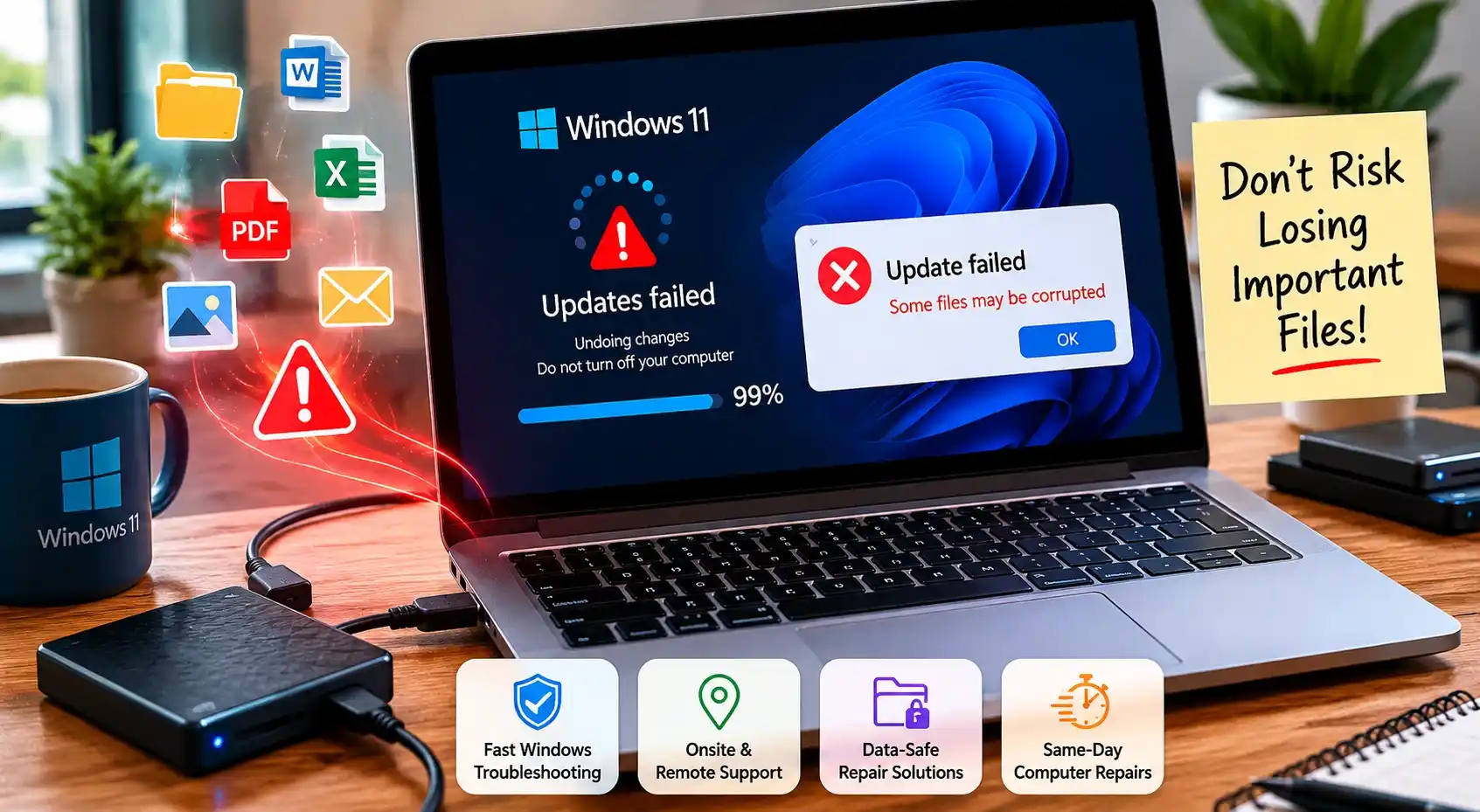
Don’t Risk Losing Important Files
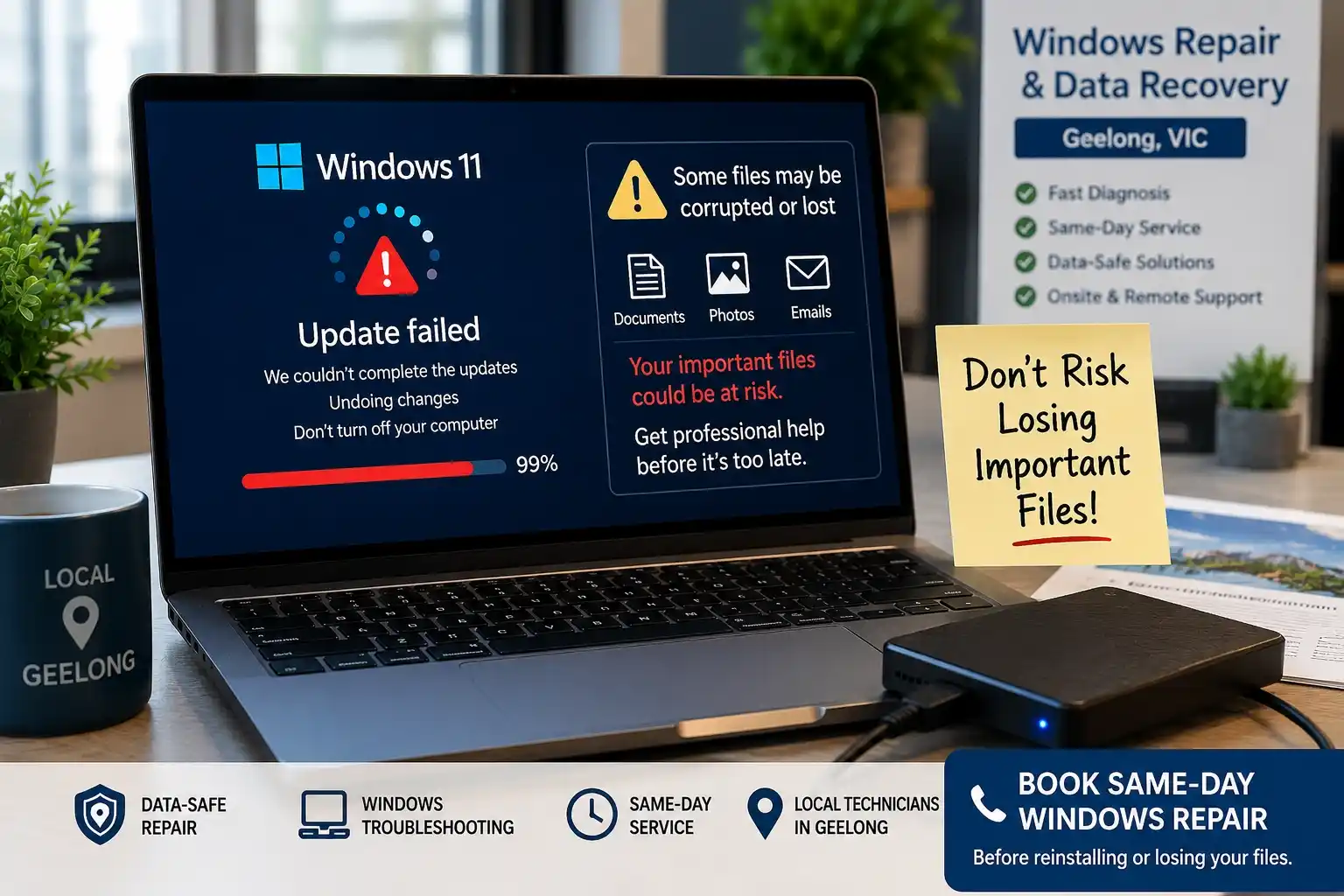
A failed Windows update can corrupt documents, photos, emails, and business data.
Book a same-day Windows software repair in Geelong before reinstalling your system or losing important files permanently.
Our local technicians provide:
- fast Windows troubleshooting
- onsite and remote support
- data-safe repair solutions
- same-day computer repairs
Get your computer running properly again today.
Geelong’s Windows 11 Update Problems
Windows 11 updates improve security, speed, and stability. However, many Geelong residents face serious problems after updates install incorrectly. Some computers freeze during startup. Others enter endless reboot loops. Many users lose internet access, printer connections, or important files.
These issues affect students near Deakin University, remote workers in Belmont, families in Highton, and small businesses around Pakington Street and Waurn Ponds Shopping Centre.
Many people search for quick fixes online. Some solutions help. Others make the problem worse. Failed updates can damage system files, corrupt drivers, or stop Windows from booting completely.
Local computer repair technicians in Geelong often see update failures after:
- major Windows feature updates
- interrupted internet connections
- outdated drivers
- low storage space
- incompatible hardware
Fast diagnosis matters. Delaying repairs can increase file corruption and system instability.
Why Windows 11 Update Problems Happen
Windows updates involve thousands of system files. Even small interruptions can create major issues.
Corrupted System Files
Corrupted files often stop updates midway. This happens after sudden shutdowns or forced restarts.
Many users near Shannon Avenue and Newtown report frozen screens after interrupted updates.
Signs include:
- black screens
- endless loading circles
- startup repair loops
- missing desktop icons
Driver Compatibility Problems
Older drivers often conflict with Windows 11 updates.
Common examples include:
- WiFi adapters
- printers
- graphics cards
- audio drivers
Many Geelong home users experience internet failures after updates because network drivers become incompatible.
Failed Security Updates
Security patches sometimes fail during installation. This can block future updates.
In some cases, antivirus software also interferes with Windows installations.
Low Storage Space
Windows 11 requires free storage space during updates. Full hard drives increase failure risks.
Many older laptops in Lara and Grovedale struggle because of limited SSD space.
Interrupted Internet Connections
Slow or unstable internet connections can corrupt downloaded update files.
This often happens in homes with older WiFi routers or unstable NBN connections.
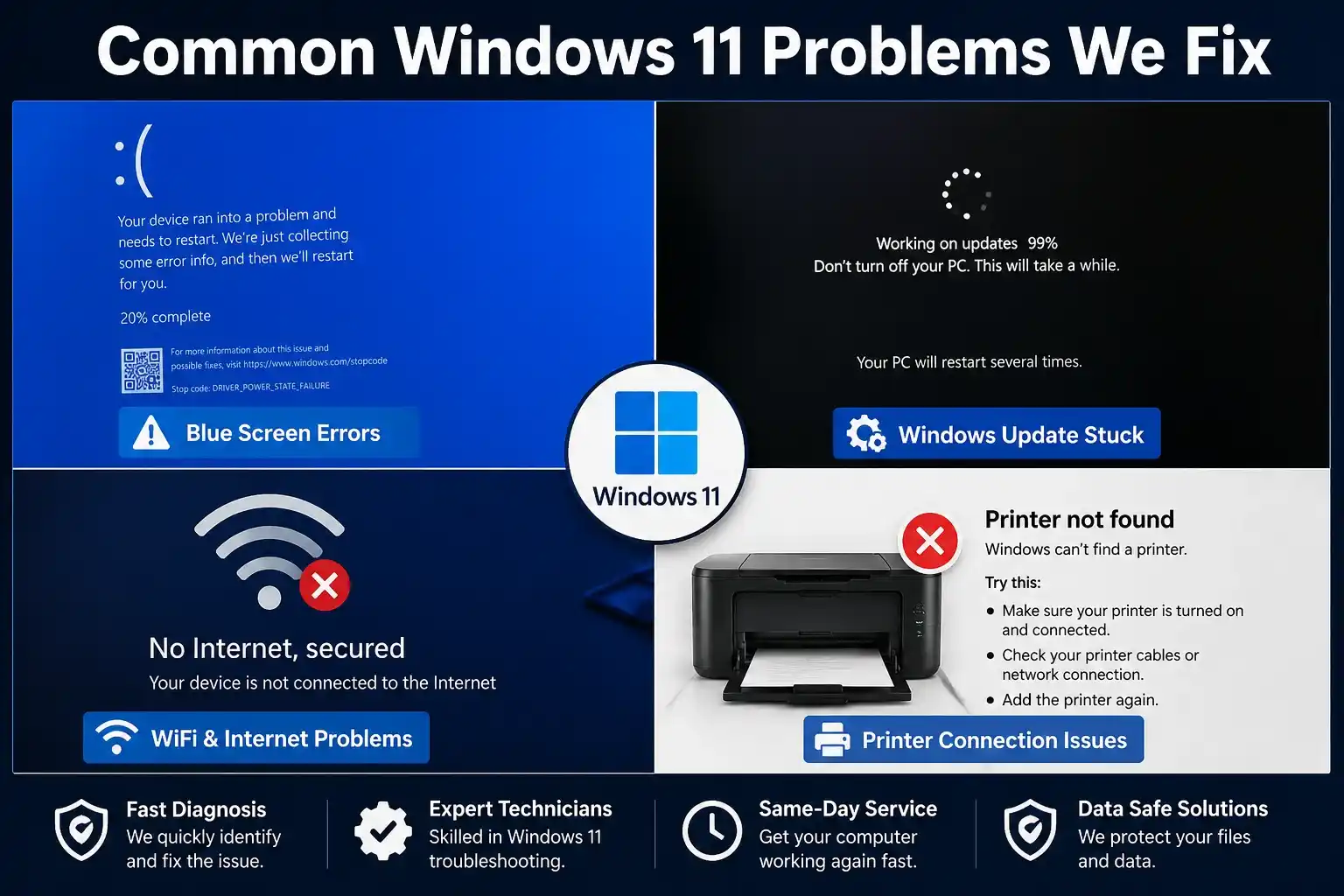
Common Windows 11 Problems We Fix in Geelong
| Problem | Common Cause | Recommended Fix |
|---|---|---|
| Update stuck at 99% | Corrupted update files | Reset Windows Update services |
| Blue screen after update | Driver conflicts | Driver rollback or reinstall |
| Slow performance | Low RAM or HDD | SSD upgrade and optimization |
| Boot loop | Corrupted boot files | Startup recovery repair |
| WiFi issues | Broken network drivers | Driver reinstall |
Local repair technicians regularly handle update-related problems across Geelong suburbs.
Windows Update Stuck at 0%, 50%, or 99%
This is one of the most common problems.
The update process freezes and never completes. Some users wait several hours before restarting the computer.
A failed restart can worsen corruption.
Blue Screen Errors After Updating
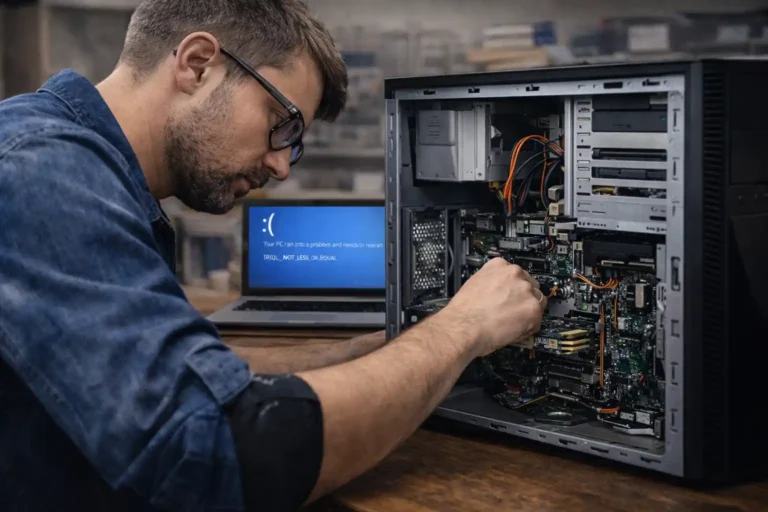
Blue screen crashes usually point to:
- driver conflicts
- hardware compatibility issues
- damaged system files
These crashes often appear immediately after rebooting.
Slow Computer Performance
Many users ask:
“Why is my computer slower after a Windows update?”
New updates sometimes increase background activity. Older devices with low RAM or traditional hard drives struggle the most, and many can benefit from computer upgrades in Geelong.
Systems near Belmont and Corio commonly experience:
- long boot times
- lagging browsers
- freezing applications
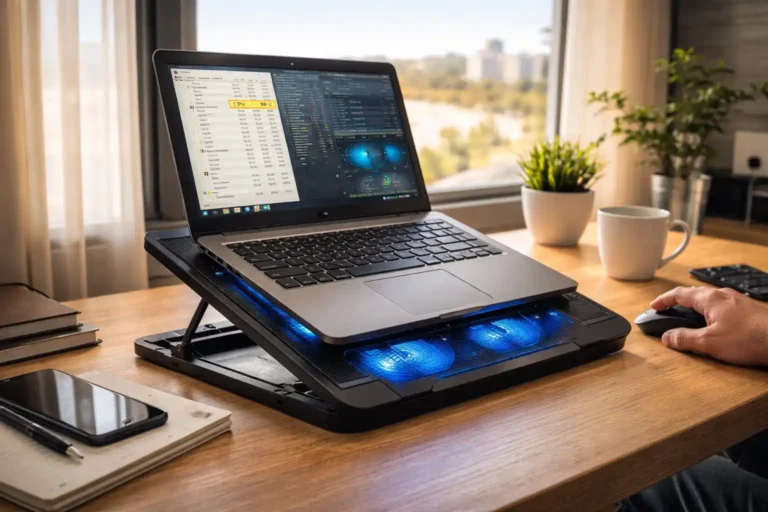
- overheating
Windows Boot Loop Problems
Some computers restart endlessly after updates.
This issue prevents access to:
- desktop files
- business software
- school documents
- emails
Professional data recovery in Geelong tools may be needed.
WiFi and Internet Problems
Windows updates can disable network drivers, which is why many users need WiFi and networking support in Geelong.
This causes:
- slow internet
- disconnected WiFi
- missing adapters
- unstable connections
Many remote workers around Geelong West depend on stable internet for work. Fast repairs become urgent.
Printer Drivers Stop Working
Printer problems often appear after updates, especially when users need printer setup and repair in Geelong.
Users commonly lose:
- wireless printing
- scanning functions
- office printer connections
This affects both home users and local businesses.
Signs You Need Professional Windows Repair
Some issues require expert troubleshooting. Ignoring these signs can increase repair costs later.
Computer Keeps Restarting
Constant restarting usually indicates:
- corrupted boot files
- failed drivers
- damaged updates
Windows Fails to Boot
If Windows never reaches the desktop, system recovery may be necessary.
Technicians often use advanced recovery environments to repair startup files.
Programs Keep Crashing
Applications crashing repeatedly may indicate deeper Windows corruption.
This problem often spreads over time.
System Runs Extremely Slow
A slow computer after updates may point to:
- failing hard drives
- corrupted indexing
- RAM limitations
- malware conflicts
Updates Keep Failing Repeatedly
Many users ask:
“Why does Windows 11 keep failing updates every month?”
Usually, the issue involves damaged update caches or unresolved driver conflicts.
Professional diagnosis helps identify the root cause quickly.
DIY Steps Before Calling a Technician
| DIY Step | Difficulty Level | Safe for Beginners |
|---|---|---|
| Run Windows Troubleshooter Microsoft Windows Update troubleshooting guide | Easy | Yes |
| Restart Update Services | Medium | Yes |
| Clear Temporary Files | Medium | Yes |
| Roll Back Updates | Medium | Yes |
| BIOS Updates | Advanced | No |
Some update problems have simple fixes.
However, users should avoid risky online tutorials that modify system files incorrectly.
Run Windows Troubleshooter
Windows includes a built-in troubleshooting tool.
It can reset update services automatically.
Restart Windows Update Services
Restarting Windows services can sometimes fix frozen downloads.
This works best for minor update issues.
Clear Temporary Update Files
Corrupted temporary files can interrupt future installations.
Cleaning the SoftwareDistribution folder often helps.
Roll Back a Failed Update
Many users ask:
“Is it safe to roll back a Windows update?”
Yes, in many cases it is safe. Rolling back restores previous system files.
However, incorrect rollback attempts may create new errors.
Check Driver Compatibility
Updating drivers before installing Windows updates reduces failure risks.
Graphics and network drivers are especially important.
Same-Day Windows Update Repair in Geelong
Some update problems require immediate support.

Local Support for Home Users, Students and Businesses
Local onsite technicians help reduce downtime for:
- home users
- students
- office workers
- small businesses
Onsite Windows Support
Onsite support helps users who cannot transport desktop computers.
Technicians commonly visit:
- Belmont
- Highton
- Waurn Ponds
- Geelong West
- Newtown
Remote Windows Troubleshooting
Minor software problems can often be repaired remotely.
Remote support reduces wait times and travel costs.
Emergency Computer Repairs
Business users often require urgent repairs after failed updates.
Lost access to emails or accounting software can stop operations completely.
Data Backup Before Repairs
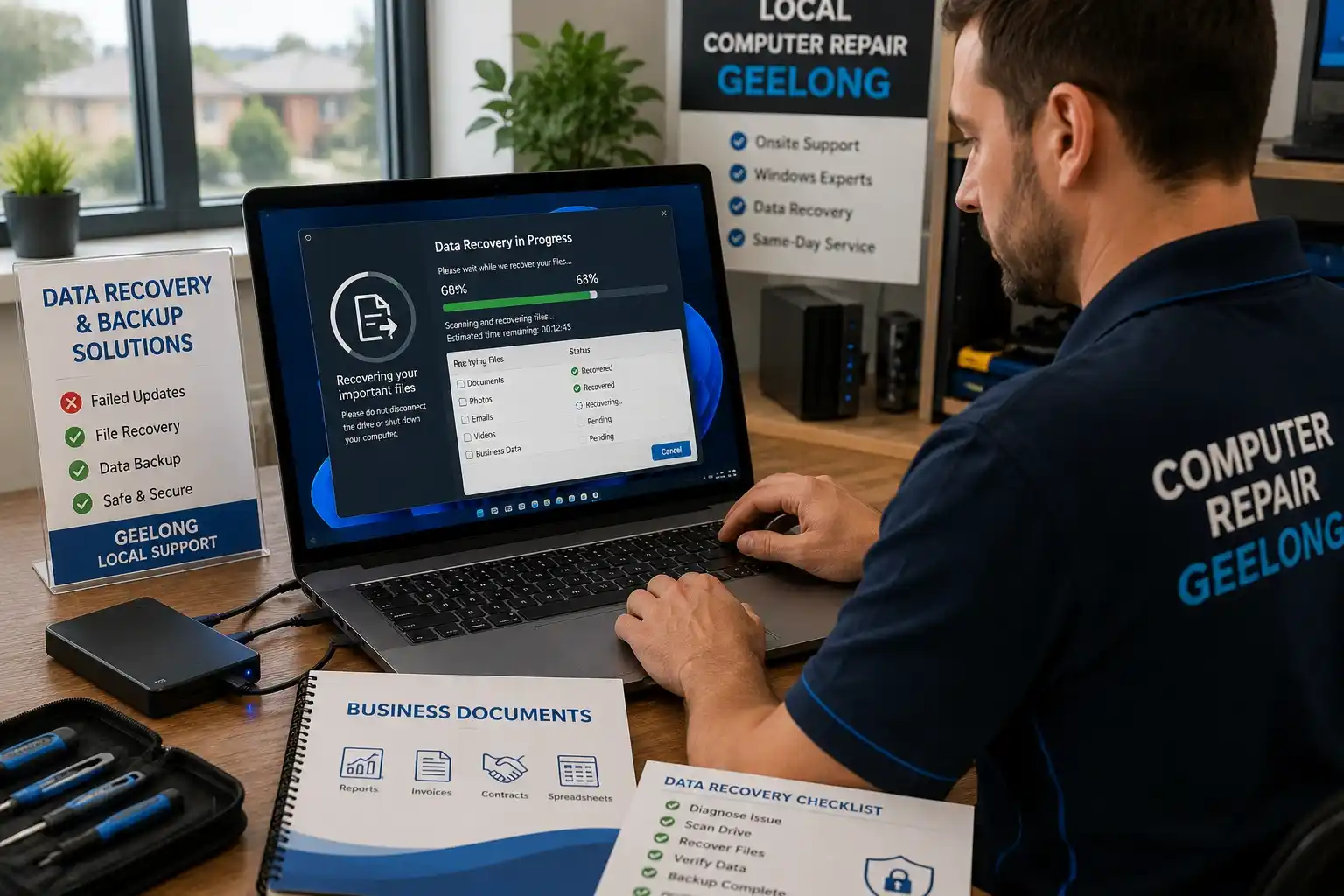
Professional repair services protect important files before major repairs with proper data backup in Geelong.
This includes:
- photos
- documents
- business records
- emails
Windows Recovery and Reinstallation
Many users ask:
“Can I reinstall Windows without losing files? Microsoft Windows recovery options”
In many cases, yes.
Repair technicians can often preserve personal data during reinstallations.
Why Geelong Residents Choose Local Computer Technicians
| Service Type | Home Users | Small Businesses |
|---|---|---|
| Onsite Repairs | Yes | Yes |
| Remote Support | Yes | Yes |
| Data Recovery | Yes | Yes |
| Network Troubleshooting | Limited | Extensive |
| Emergency Repairs | Yes | Yes |
Local support offers several advantages over large national chains.
Faster Response Times
Local technicians usually provide same-day support across Geelong suburbs.
Face-to-Face Support
Many users prefer direct communication instead of phone queues.
This helps seniors and non-technical users feel more comfortable.
Knowledge of Local Areas
Technicians familiar with Geelong understand common internet and hardware issues affecting local homes and businesses.
Home and Business Support
Many providers support:
- home offices
- cafes
- retail stores
- medical clinics
- real estate offices
Support for All Major Brands
Local repair specialists commonly repair:
- Dell
- HP
- Lenovo
- ASUS
- Acer
- Apple devices
Facts and Figures About Windows Update Problems
Windows update failures affect millions of devices every year.
According to Microsoft support discussions and system diagnostic reports:
- driver conflicts remain a major cause of failed updates
- low storage space increases installation risks
- outdated BIOS firmware creates compatibility problems
- interrupted updates can corrupt operating system files
Older computers with mechanical hard drives experience more performance issues after major updates.
SSD upgrades often improve update stability significantly.
Real Customer Case Studies From Geelong
Recovering a Laptop Stuck in a Boot Loop
A student near Deakin University experienced endless restart loops after a failed Windows update.
Technicians repaired corrupted startup files and restored the system without data loss.
Fixing Slow PCs After Windows Updates
A home office user in Highton reported severe lag after upgrading to Windows 11.
The system required:
- SSD optimization
- driver updates
- malware cleanup
Performance improved dramatically afterward.
Restoring Lost Files After Failed Updates
A local business near Moorabool Street lost access to important invoices after a failed update corrupted user profiles.
Technicians recovered the files and restored system access the same day.
Customer Testimonials

Fast Same-Day Repair Experience
“My laptop stopped working after a Windows update. A local technician fixed it the same day in Belmont.”
Friendly Local Support
“The technician explained everything clearly without confusing technical terms.”
Successful Data Recovery Stories
“I thought my files were gone forever after the update failed. Everything was recovered successfully.”
Frequently Asked Questions
Why is my Windows 11 update stuck?
This usually happens because of corrupted update files, unstable internet, or driver conflicts.
Can a failed Windows update damage my computer?
Failed updates can corrupt system files and prevent Windows from starting correctly.
How long should Windows updates take?
Most updates finish within 30 to 60 minutes. Older devices may take longer.
Why is my internet slower after a Windows update?
New drivers or network settings may conflict with your existing hardware.
Can you recover files after failed updates?
Yes. Professional recovery tools often restore documents, photos, and business files successfully.
Book Fast Windows Support in Geelong Today
Windows update problems rarely improve on their own.
Quick diagnosis reduces:
- file corruption
- downtime
- hardware stress
- data loss risks
Local Geelong computer repair technicians provide:
- same-day onsite support
- remote troubleshooting
- Windows recovery services
- laptop repairs
- business IT support
Support is available across:
- Belmont
- Waurn Ponds
- Highton
- Grovedale
- Lara
- Geelong West
- Newtown
- Corio
Fast local support helps get your computer running properly again before problems become worse.